


Scheduling
Set a recurring schedule, adjust single dates effortlessly
Build your weekly timetable once and let it repeat automatically. When life happens, adjust single class times or instructors without disturbing the rest of your schedule.
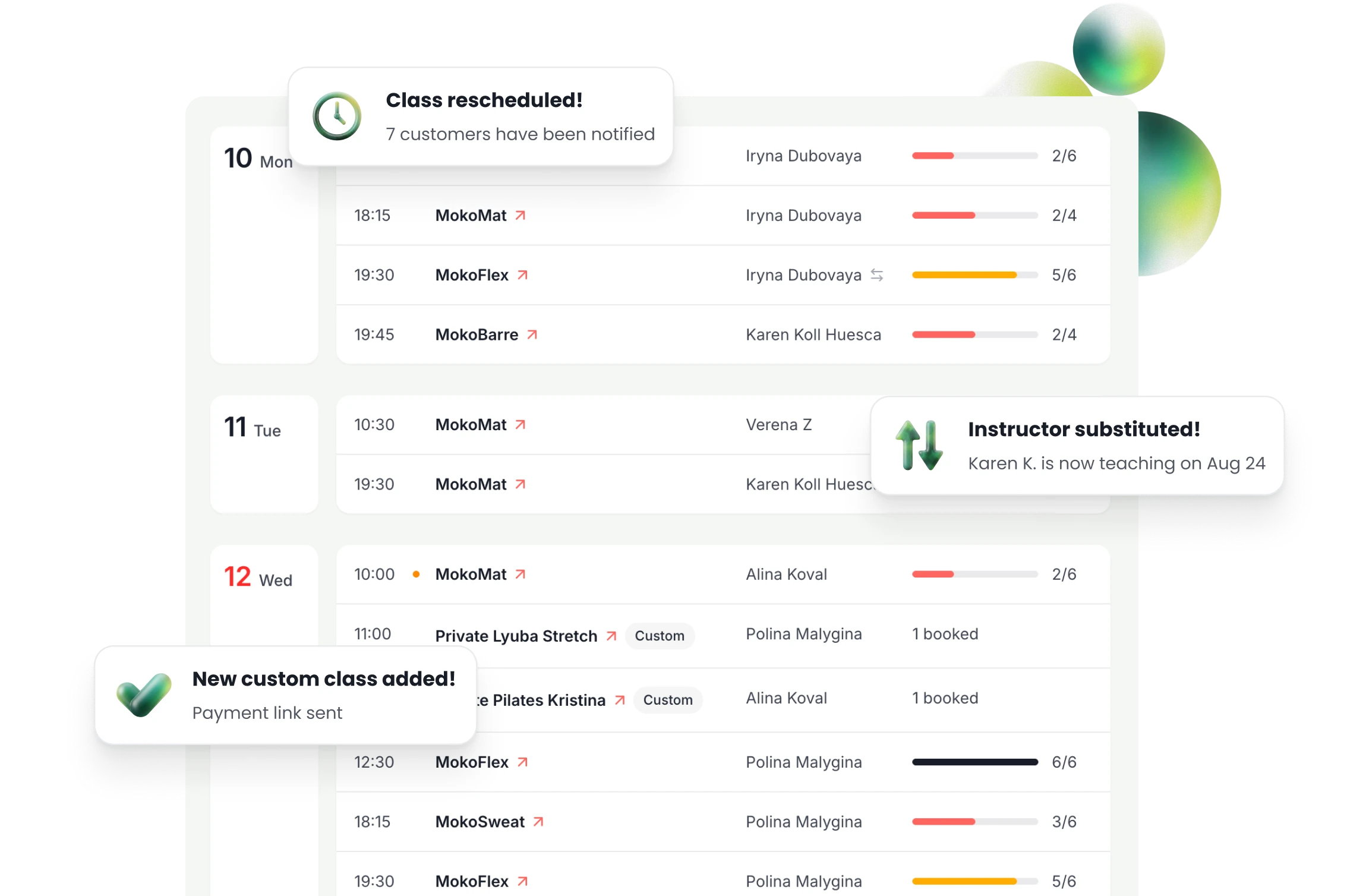
Weekly schedules for every class and instructor
Create a weekly timetable that repeats. Add as many classes a day as you need.
Many classes a day. You choose the number of spots for each class.
Choose who teaches. Each class time can have its own instructor.
Spots for the whole week. You see the total while you create or change your timetable.

Change one date, not every week
When an instructor is sick at 7 AM, you change only that class. Your weekly timetable stays the same.
Edit one date. Change the time or the number of spots on that date only.
Choose a substitute. TimiTomi tells the booked customers, and the substitute gets the pay.
No new bookings. Stop them for one class, and booked customers keep their spots.

Set studio rules, change them when needed
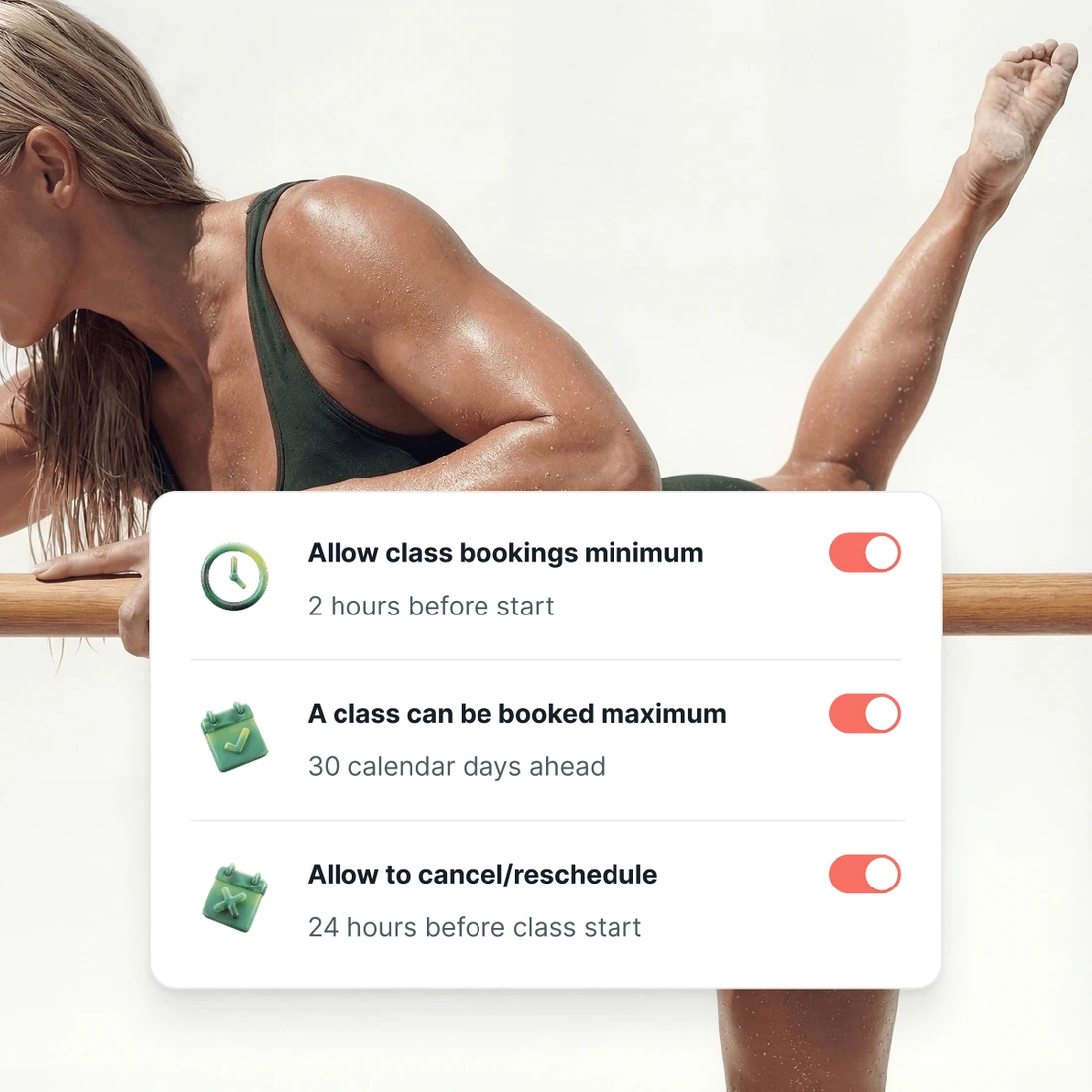
Set booking and cancellation rules once for your studio. Change them for a class or an instructor.
Time limits before a class. Choose the last time to book, change, cancel or join the waiting list.
You choose how far ahead. Customers can book, for example, two weeks or a whole term ahead.
Studio, class, instructor. A rule for a class or an instructor replaces the studio rule.
Schedule controls
Powerful controls behind your schedule
Studio closures and holidays
Close the studio for the holidays, or one class or one instructor, for a range of dates. TimiTomi cancels the bookings inside it and tells everybody in them. You do not write a message.
Automated customer updates
A class that moves, takes a substitute or closes tells the people booked into it. You change the timetable once, and nobody writes emails one by one.
Build before you buy
You enter the timetable once, and every week after that follows the pattern. Build the whole thing before you pay anything: the price starts when you go live.



Pick a plan, and that is what you pay
Your price does not change when you sell more. Plans differ in how many instructors they include and in what they can do.
- 0% transaction fee
- No long-term contracts

Starter
The basics, with add-ons as you grow.
 5 instructors
 SMS as an add-on
 Add-ons from €15/mo
 Dedicated onboarding specialist
 24/7 dedicated support

Studio
Every add-on, with SMS included.
- 15 instructors
- 500 SMS a month
- Every add-on included
- Dedicated onboarding specialist
- 24/7 dedicated support

Scale
The most instructors and SMS included.
- 30 instructors
- 1,200 SMS a month
- Every add-on included
- Dedicated onboarding specialist
- 24/7 dedicated support
Ready when you are
Build it this week. Pay when you open.
Set up your classes, your prices and your booking page for free. You pay only when you go live.
Get started for free- Free until you go live
- 0% of what you sell









Questions about scheduling
Keep reading
The rest of the product
Your booking page
With your logo and colors
Drop-in classes
Book and pay in a few taps
Class packs
Sell sets of credits
Memberships
Sell custom subscriptions
In-person payments
A card reader, or Tap to Pay
Instructor portal
Schedules and pay in one place
Email and SMS
Automated messaging
Waiting list
Empty spots go to people waiting
Found on Google and AI
Your classes in Google and AI search