


Instructor portal
Dedicated portals for schedule and payout visibility
Give instructors personalized logins to track their upcoming classes and earnings. Automated weekly schedule summaries keep your team aligned while keeping the rest of the studio private.


Weekly schedules sent automatically
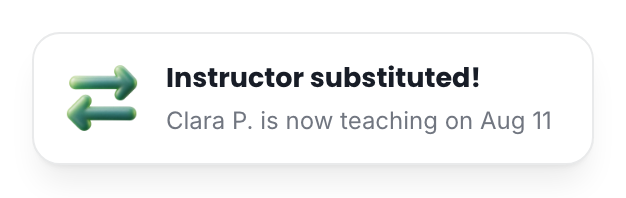
Instructors see their class times and how many spots are taken. TimiTomi sends them their schedule by email before each week starts. They do not need to open TimiTomi to read it.
Their own schedule. Each instructor sees only the classes they teach.
A weekly email. Their schedule arrives every week before the classes start.
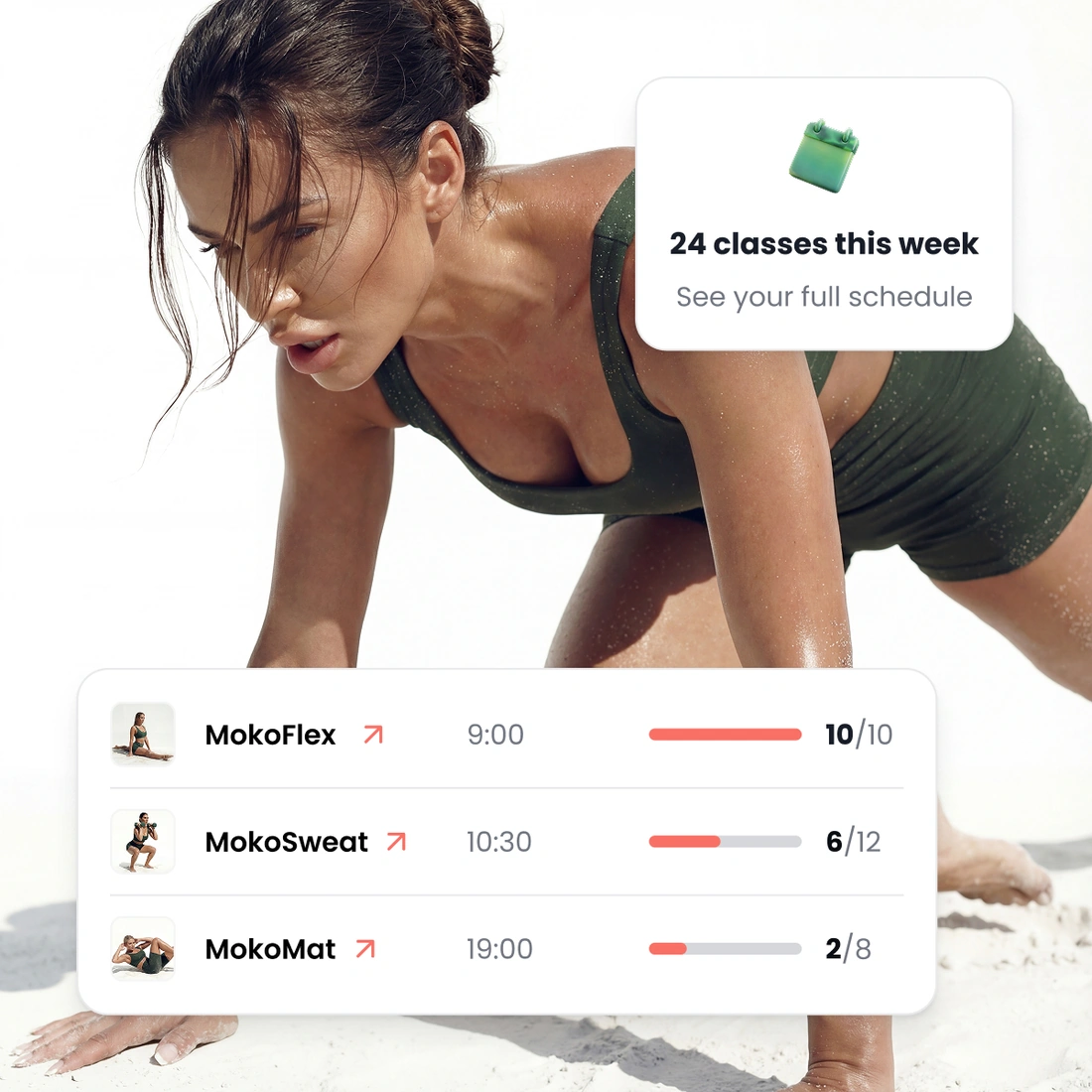
Clear pay history. They see what they earned for each class and each month.
Choose how you pay each instructor
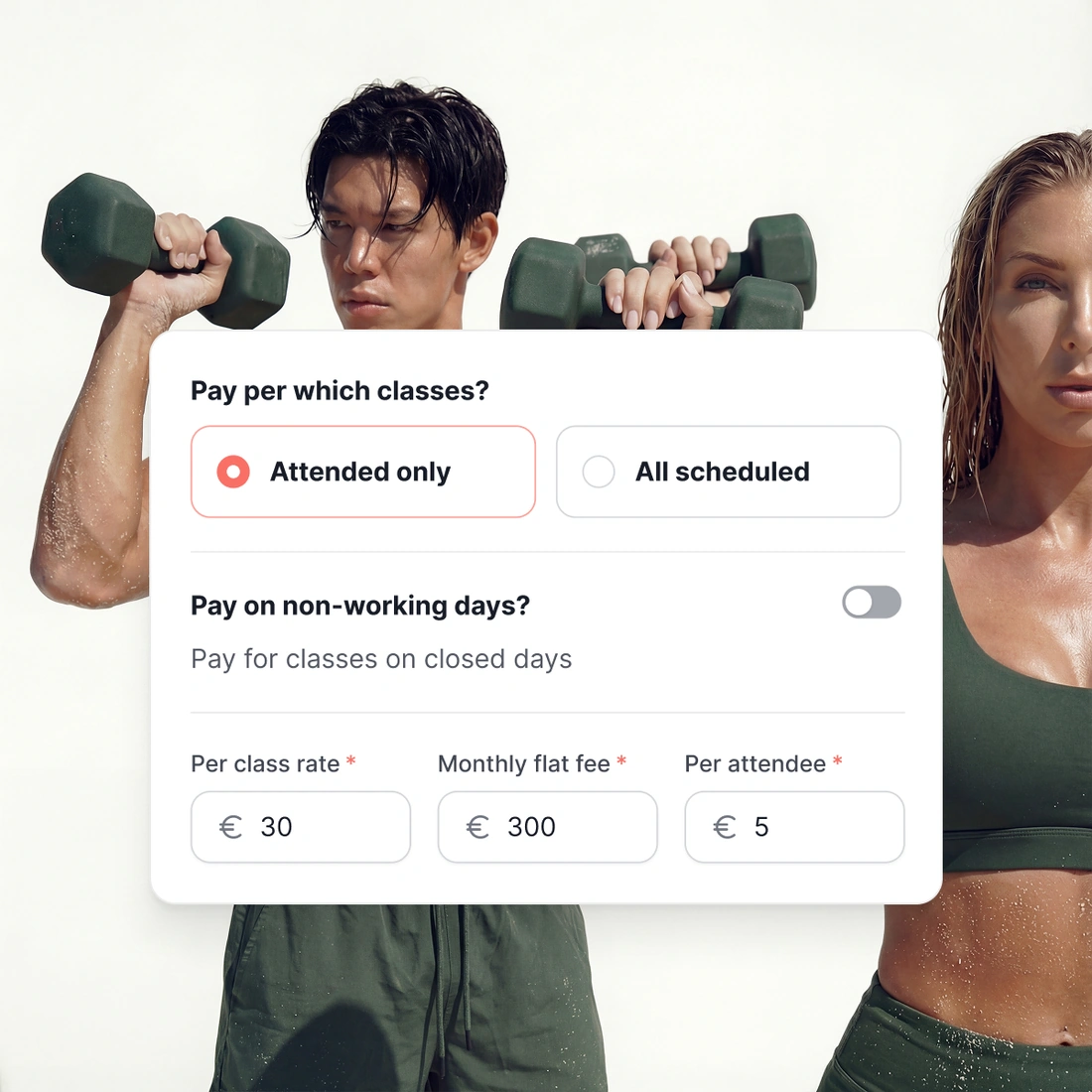
Pay a fixed amount per month, per class or per participant. Each rate has a start date. A higher rate from March does not change the months before it.
Mix pay types. Each instructor gets the type of pay you agreed with them.
Scheduled or attended. Pay for every scheduled class, or only for the classes people attended.
A record for every class. TimiTomi saves the rate, the number of participants and the total pay.
Substitutes and days off
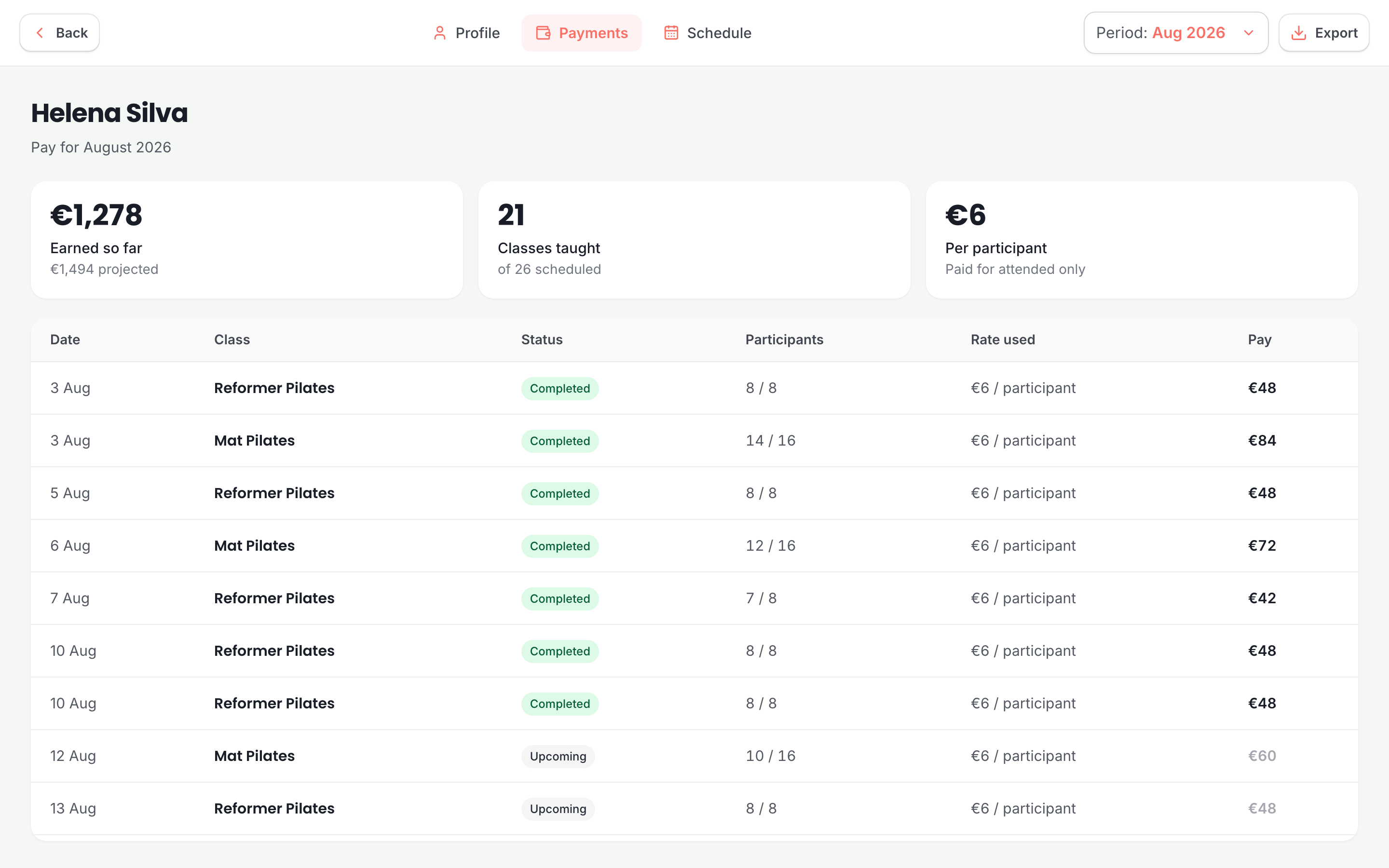
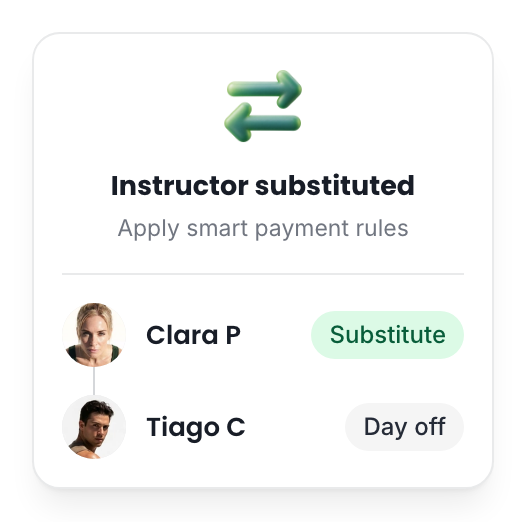
Choose a substitute for one class without changing your weekly schedule. TimiTomi records the change, so everyone knows about it.
One date only. The other dates keep their usual instructor.
Instructor days off. Record a day off and choose if it is paid or unpaid.
Pay updates by itself. The pay for the class goes to the instructor who taught it.

Portal access
More instructor portal features
Easy email invite
Add an instructor with their email address, and they sign in with that address. Owner, admin and instructor are separate roles, and an instructor sees the least.
Calendar integration
An instructor connects Google or Outlook once, and every class they teach appears in their own calendar. They never copy a class by hand.
Live participant lists
An instructor opens a class they teach and sees who is booked into it. They cannot open anybody else’s classes, and they never see what a customer paid.



Pick a plan, and that is what you pay
Your price does not change when you sell more. Plans differ in how many instructors they include and in what they can do.
- 0% transaction fee
- No long-term contracts

Starter
The basics, with add-ons as you grow.
 5 instructors
 SMS as an add-on
 Add-ons from €15/mo
 Dedicated onboarding specialist
 24/7 dedicated support

Studio
Every add-on, with SMS included.
- 15 instructors
- 500 SMS a month
- Every add-on included
- Dedicated onboarding specialist
- 24/7 dedicated support

Scale
The most instructors and SMS included.
- 30 instructors
- 1,200 SMS a month
- Every add-on included
- Dedicated onboarding specialist
- 24/7 dedicated support
Ready when you are
Build it this week. Pay when you open.
Set up your classes, your prices and your booking page for free. You pay only when you go live.
Get started for free- Free until you go live
- 0% of what you sell









Questions about instructors
Keep reading
The rest of the product
Your booking page
With your logo and colors
Drop-in classes
Book and pay in a few taps
Class packs
Sell sets of credits
Memberships
Sell custom subscriptions
In-person payments
A card reader, or Tap to Pay
Class scheduling
A weekly timetable that repeats
Email and SMS
Automated messaging
Waiting list
Empty spots go to people waiting
Found on Google and AI
Your classes in Google and AI search