


Your booking page
A booking page that matches your brand
Your logo, your colors, your photos and your instructors, on a page where customers book, pay and change their own bookings.


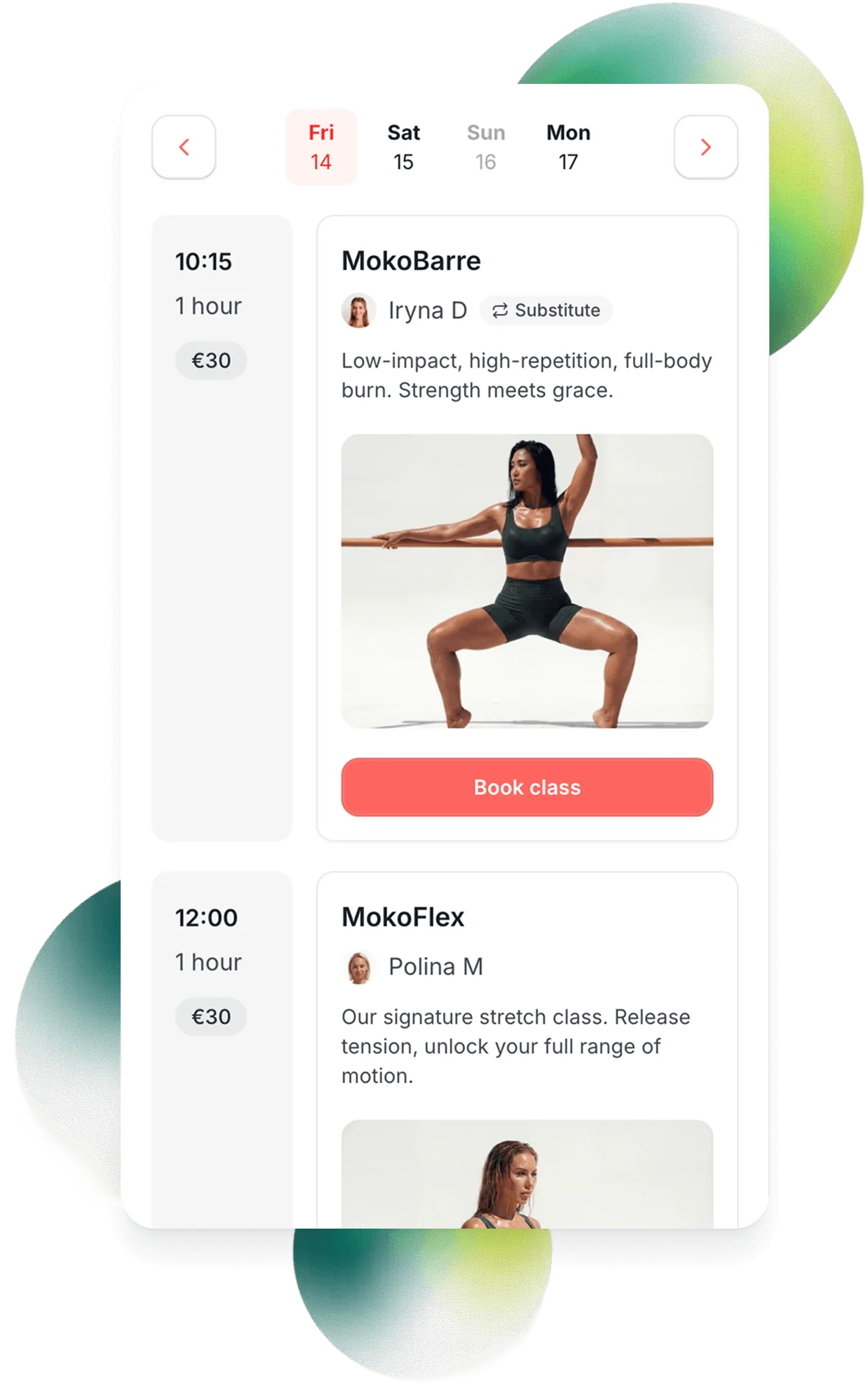
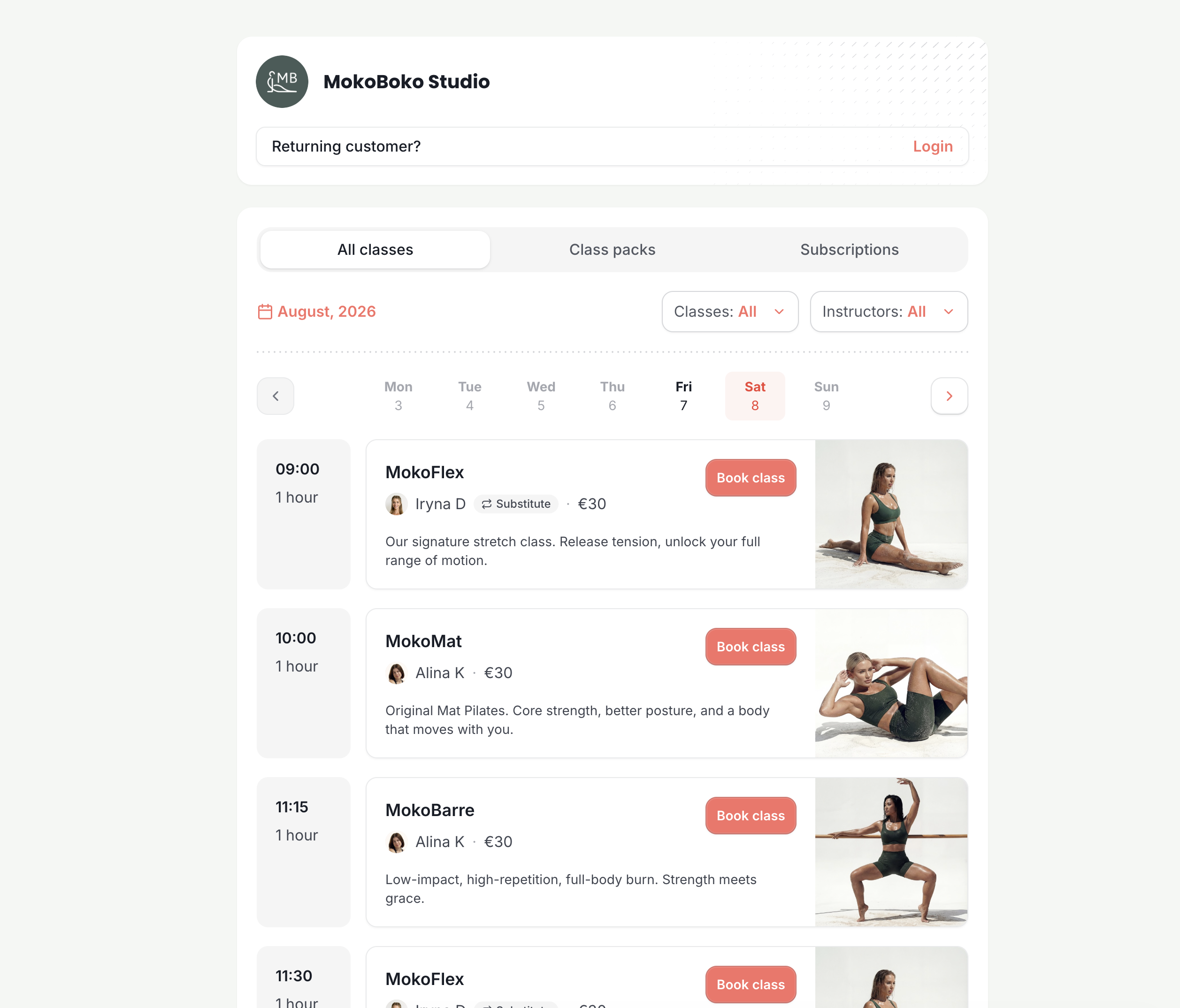
A schedule made for your customers
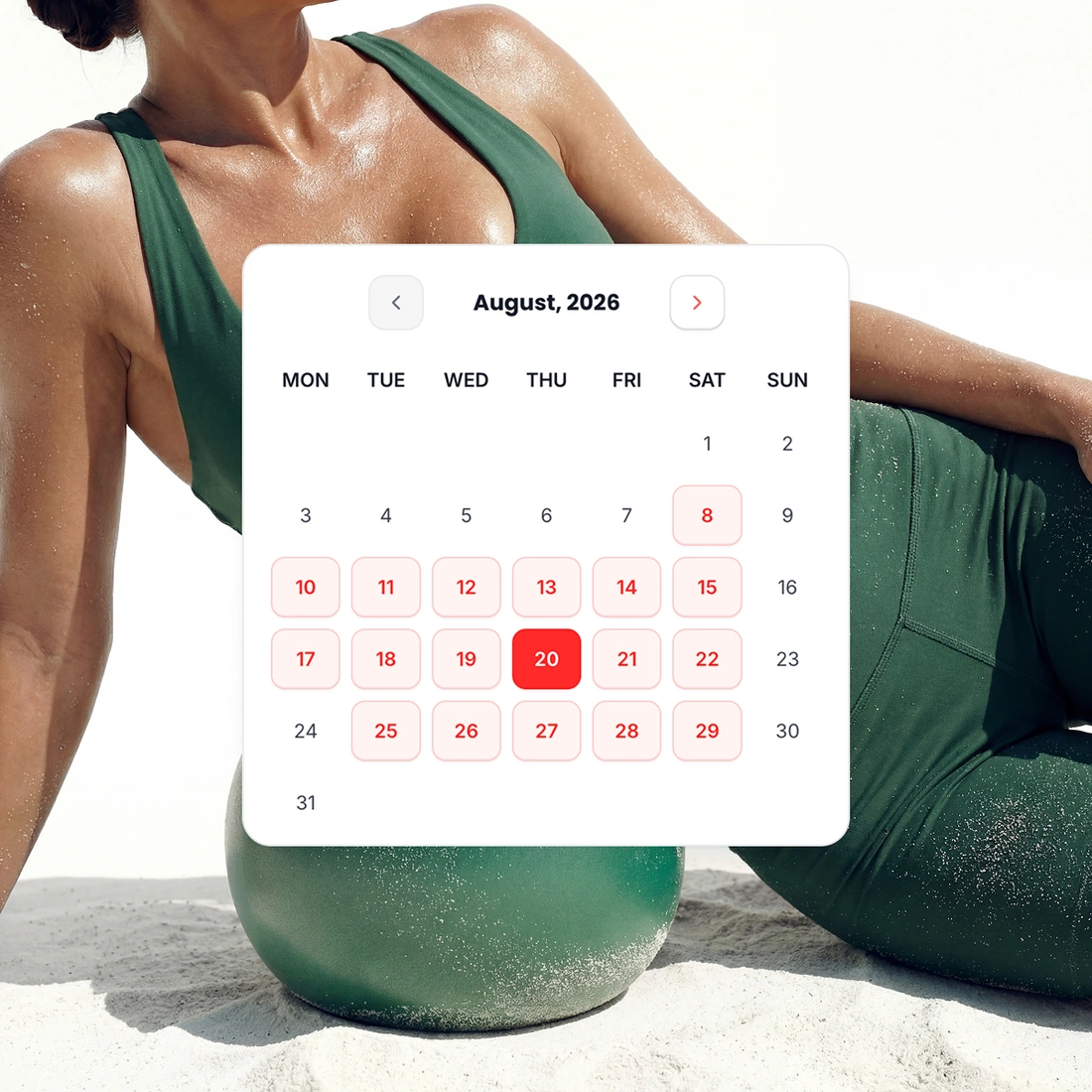
Customers see your classes by month or by day. Each class shows its photo, its description and answers to common questions. Everything they need is on the page.
Switch between month and day. Both views show the same classes.
Filter the classes. Customers choose a class type or an instructor.
Booked classes have a mark. Nobody books the same class twice by mistake.
A checkout that helps you sell
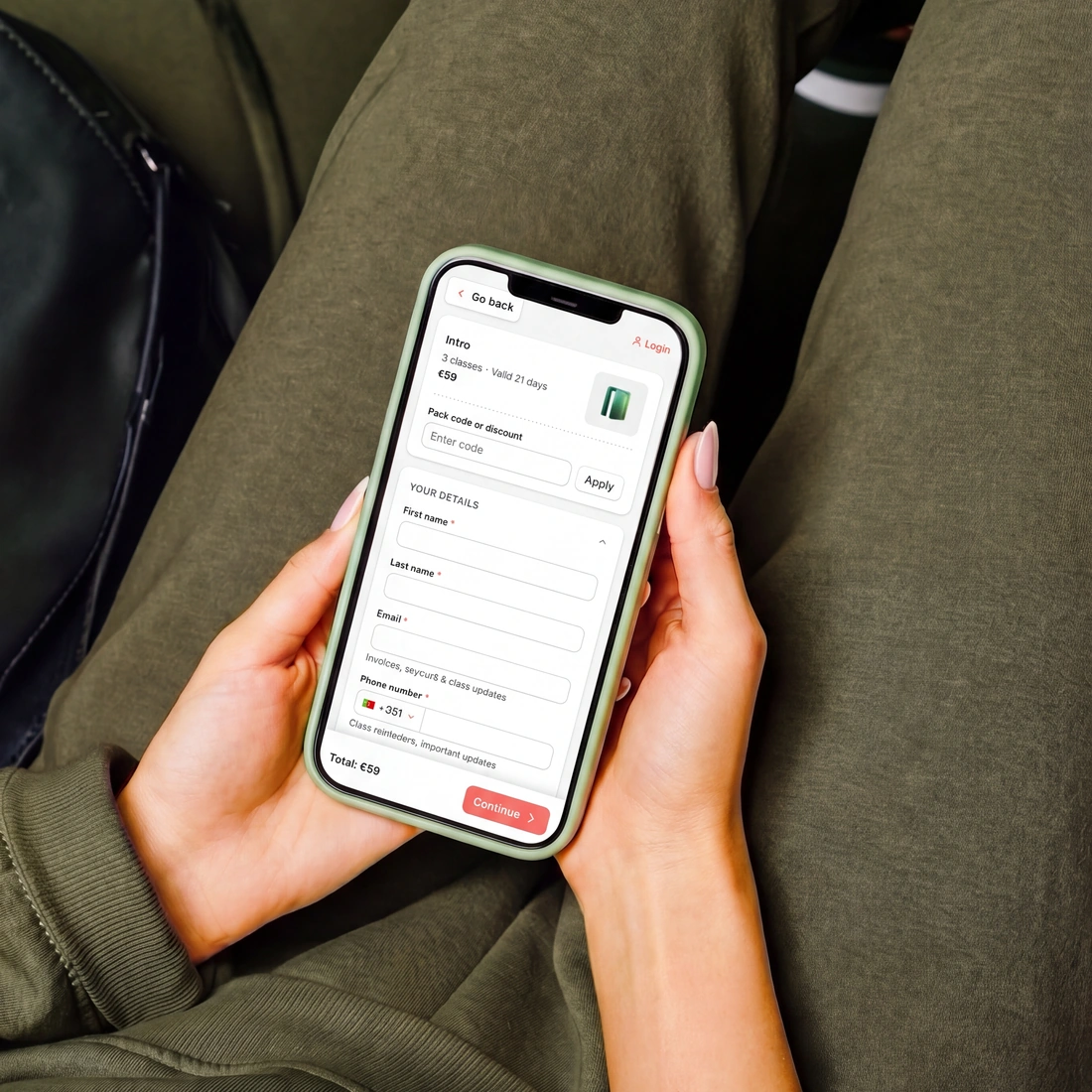
Customers book several spots and use a discount code. On every plan, TimiTomi keeps proof that they accepted your terms.
No account to create. TimiTomi creates it, so fewer people leave before they pay.
Several spots at once. For friends, family or a partner.
Terms of service. You see who accepted which version, and when.
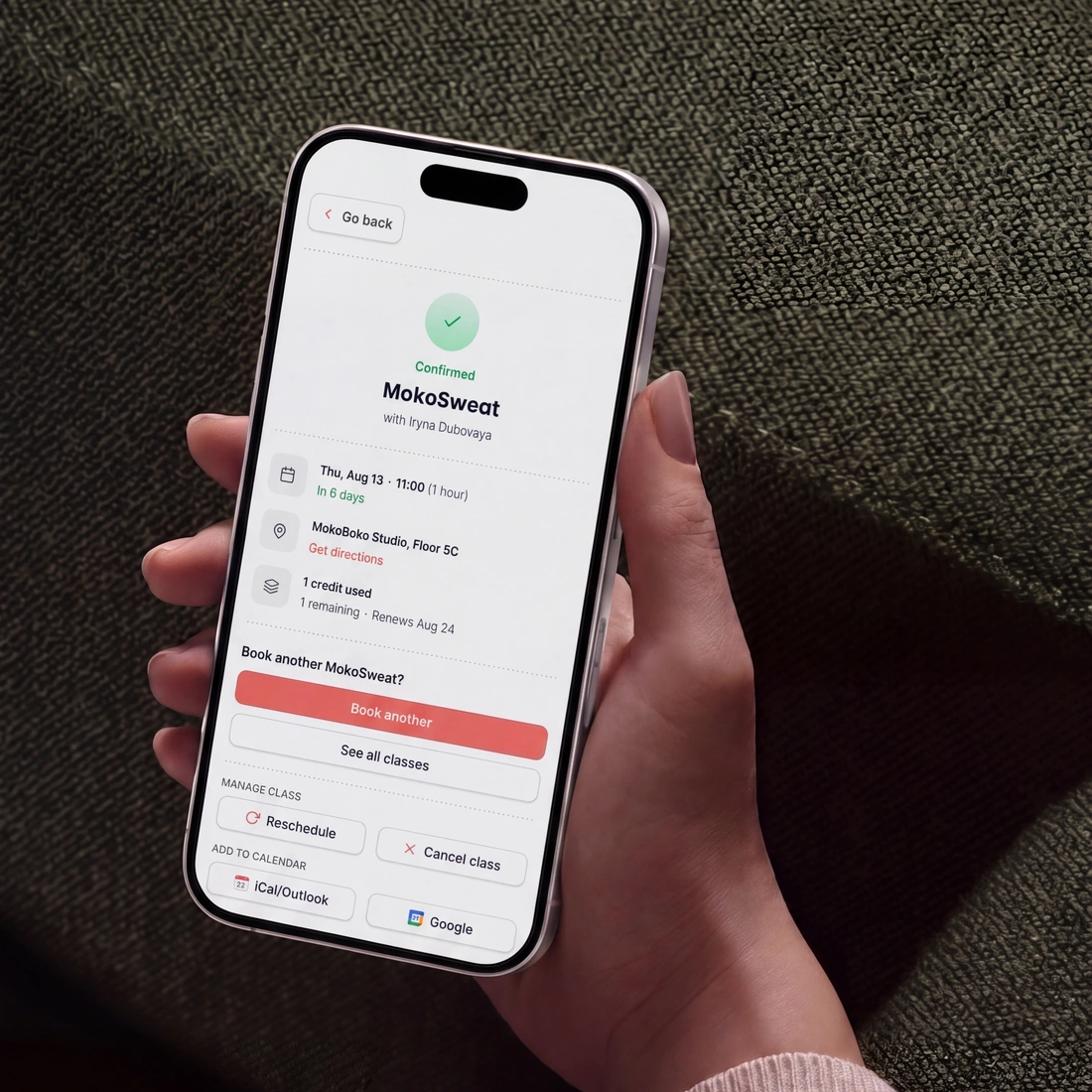
Customers manage their own bookings
Customers move or cancel their own bookings, inside the notice you set. You save hours on late-night messages and requests.
They move bookings themselves. They can cancel too, inside the notice you set.
No password to remember. TimiTomi creates the account, and a one-time password opens it.
Instant emails. TimiTomi confirms each booking, move or cancellation by email.
Payment methods your customers know
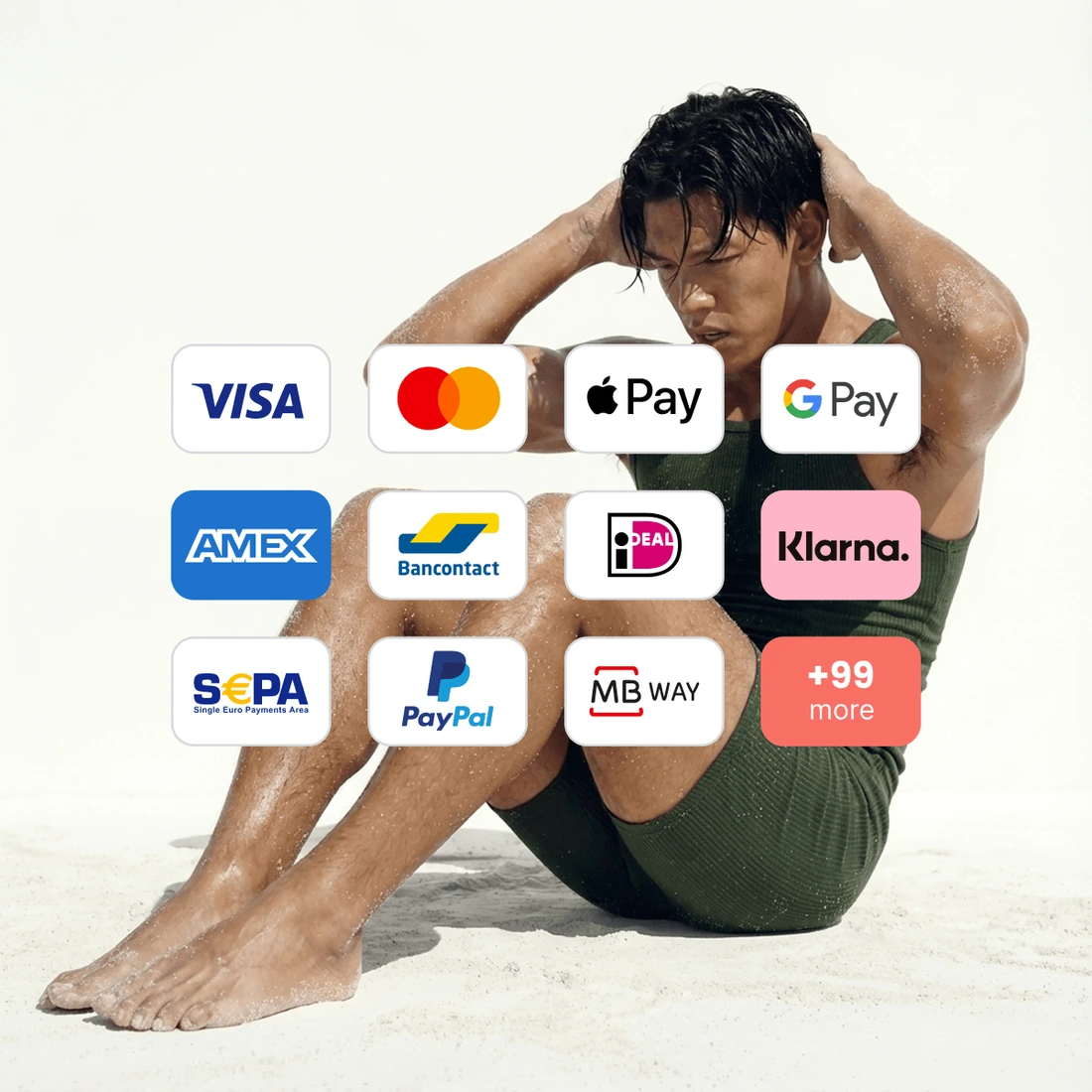
Your checkout shows cards, digital wallets and the local methods people already use. Stripe decides which ones appear in your country. They pay with what is already on their phone.
Cards and digital wallets. Visa, Mastercard, American Express, Apple Pay and Google Pay.
The local method they use. Multibanco, MB WAY, iDEAL, Bancontact and SEPA.
Nothing extra to connect. The methods come from your own Stripe account, in your country.
Everything customers need in one place
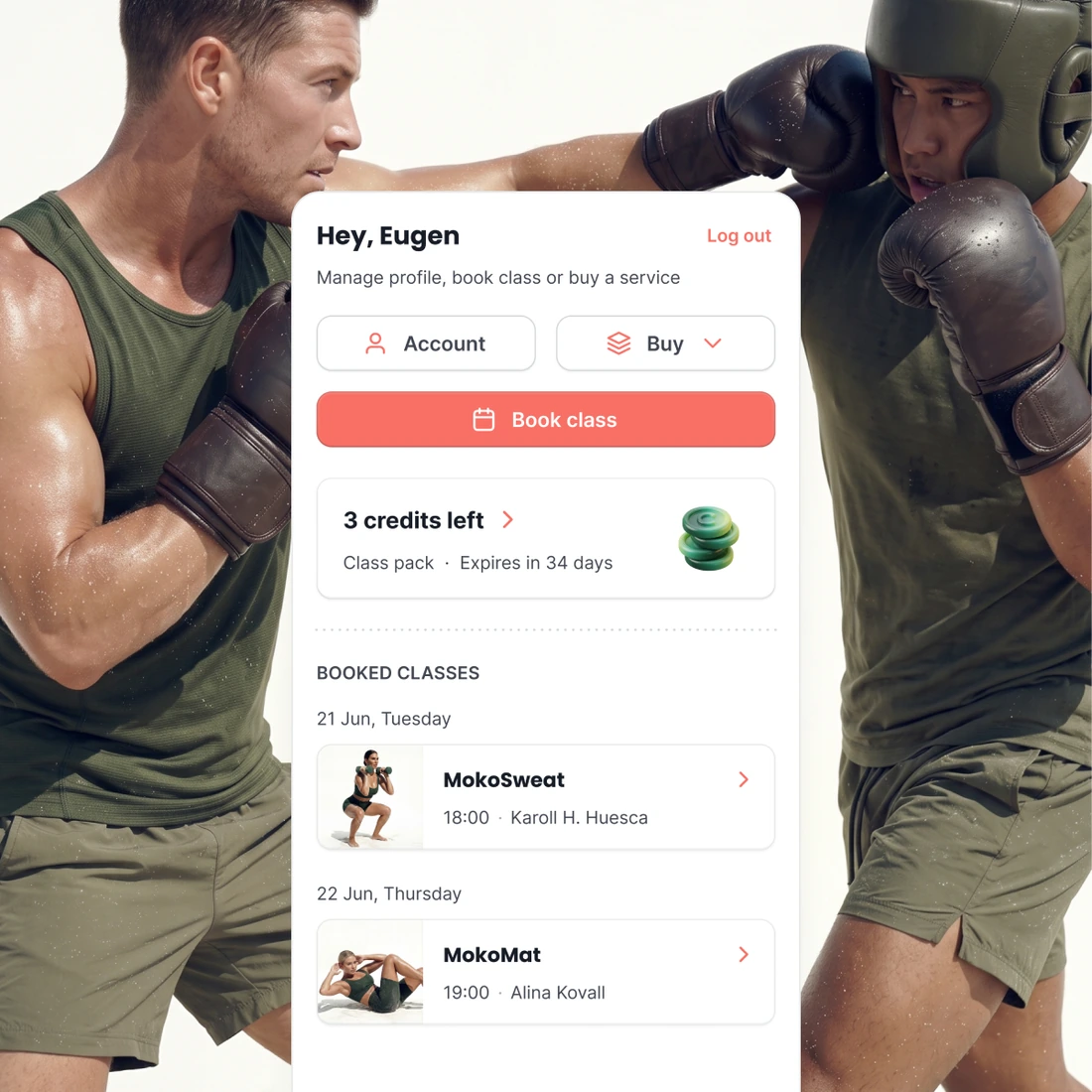
Each customer has their own account. It shows their booked classes, credits left, plan and every payment. They do not have to ask you for any of it.
They change their own details. Name, email and phone, at any time.
Credits, packs and plans. They see what is left and when it expires.
All their orders. The receipt, what they paid and what it was for.
Around the page
More ways to customize
Custom studio link
Set up a clean, branded booking address that features your studio name front and center.
Embed anywhere
Embed your live schedule into your current website so customers can book classes without being redirected.
Control what customers see
Simple switches let you show or hide prices, class lengths, instructor names, or remaining spots.


Pick a plan, and that is what you pay
Your price does not change when you sell more. Plans differ in how many instructors they include and in what they can do.
- 0% transaction fee
- No long-term contracts

Starter
The basics, with add-ons as you grow.
 5 instructors
 SMS as an add-on
 Add-ons from €15/mo
 Dedicated onboarding specialist
 24/7 dedicated support

Studio
Every add-on, with SMS included.
- 15 instructors
- 500 SMS a month
- Every add-on included
- Dedicated onboarding specialist
- 24/7 dedicated support

Scale
The most instructors and SMS included.
- 30 instructors
- 1,200 SMS a month
- Every add-on included
- Dedicated onboarding specialist
- 24/7 dedicated support
Ready when you are
Build it this week. Pay when you open.
Set up your classes, your prices and your booking page for free. You pay only when you go live.
Get started for free- Free until you go live
- 0% of what you sell









Questions about your booking page
Keep reading
The rest of the product
Drop-in classes
Book and pay in a few taps
Class packs
Sell sets of credits
Memberships
Sell custom subscriptions
In-person payments
A card reader, or Tap to Pay
Class scheduling
A weekly timetable that repeats
Instructor portal
Schedules and pay in one place
Email and SMS
Automated messaging
Waiting list
Empty spots go to people waiting
Found on Google and AI
Your classes in Google and AI search