


In-person payments
In-person card payments, unified with your online sales
Connect a Stripe card reader at your front desk. In-person payments automatically sync with your online orders into one dashboard, with no split reporting or manual reconciliations.
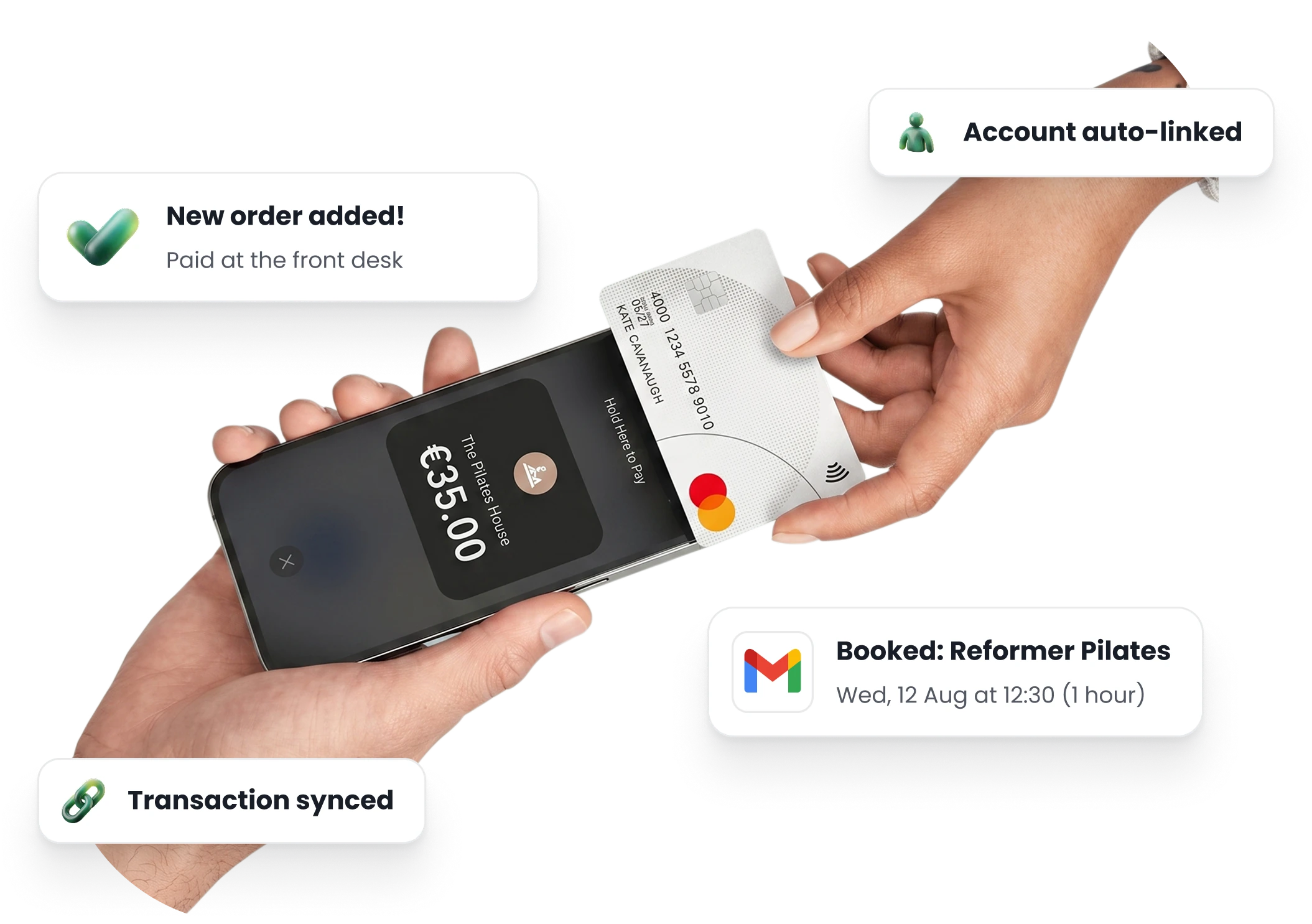
Card payments at your front desk
Sell drop-ins, class packs and memberships in person. One tap of a card takes the payment and makes the booking.
Booked at once. TimiTomi confirms the booking as soon as the customer pays.
One list of sales. You see desk payments and online bookings in the same order list.
Refunds in one click. The money returns to the card the customer paid with.
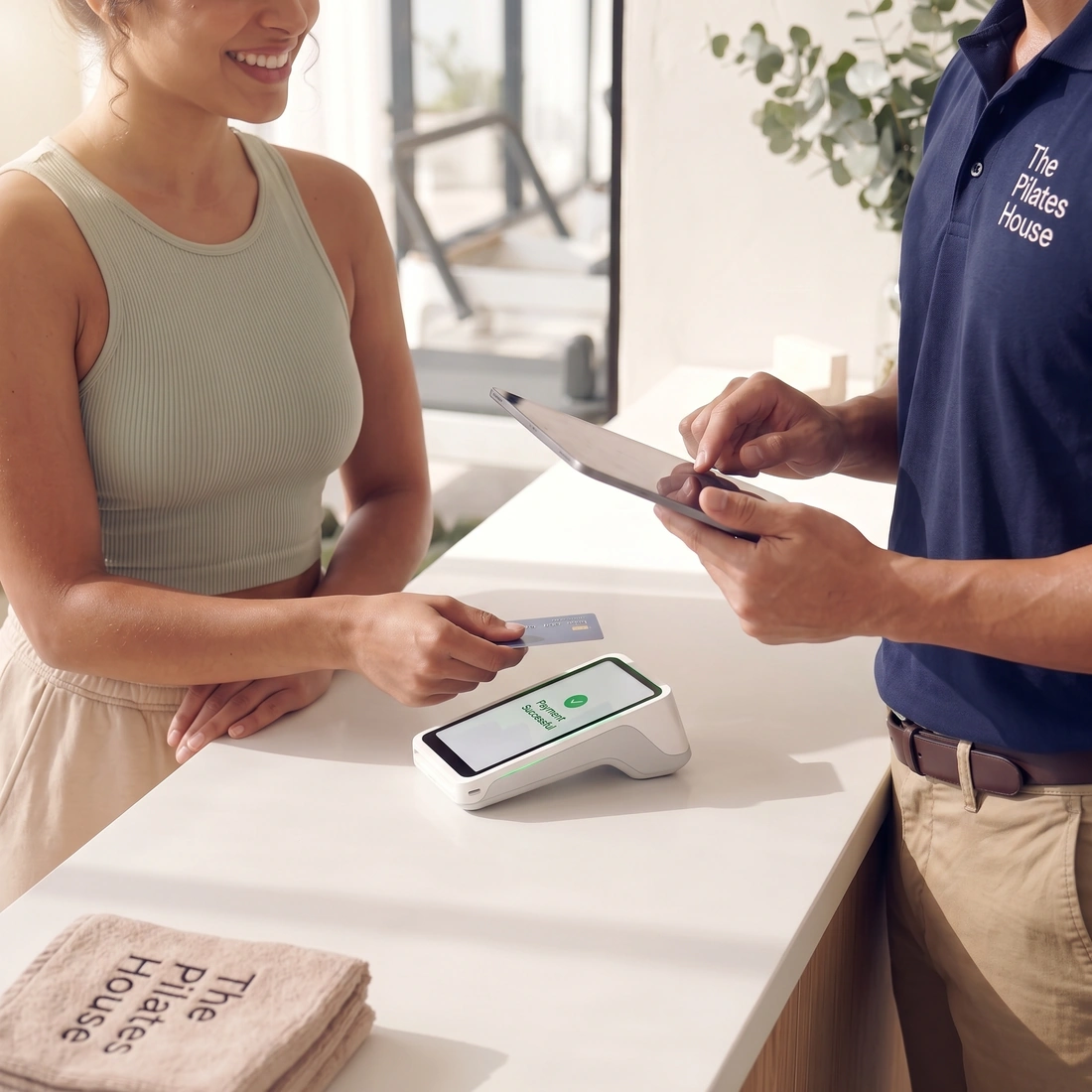
Card readers that connect quickly
Connect your Stripe account to take payments online. Then order a card reader from your Stripe dashboard. It arrives linked to your account, ready to use in TimiTomi.
Payouts to your bank. Desk and online payments go directly to your own Stripe account.
Stripe’s own prices. TimiTomi adds nothing to the price of the reader.
One system, one login. Take card payments, mark who came and manage your schedule.
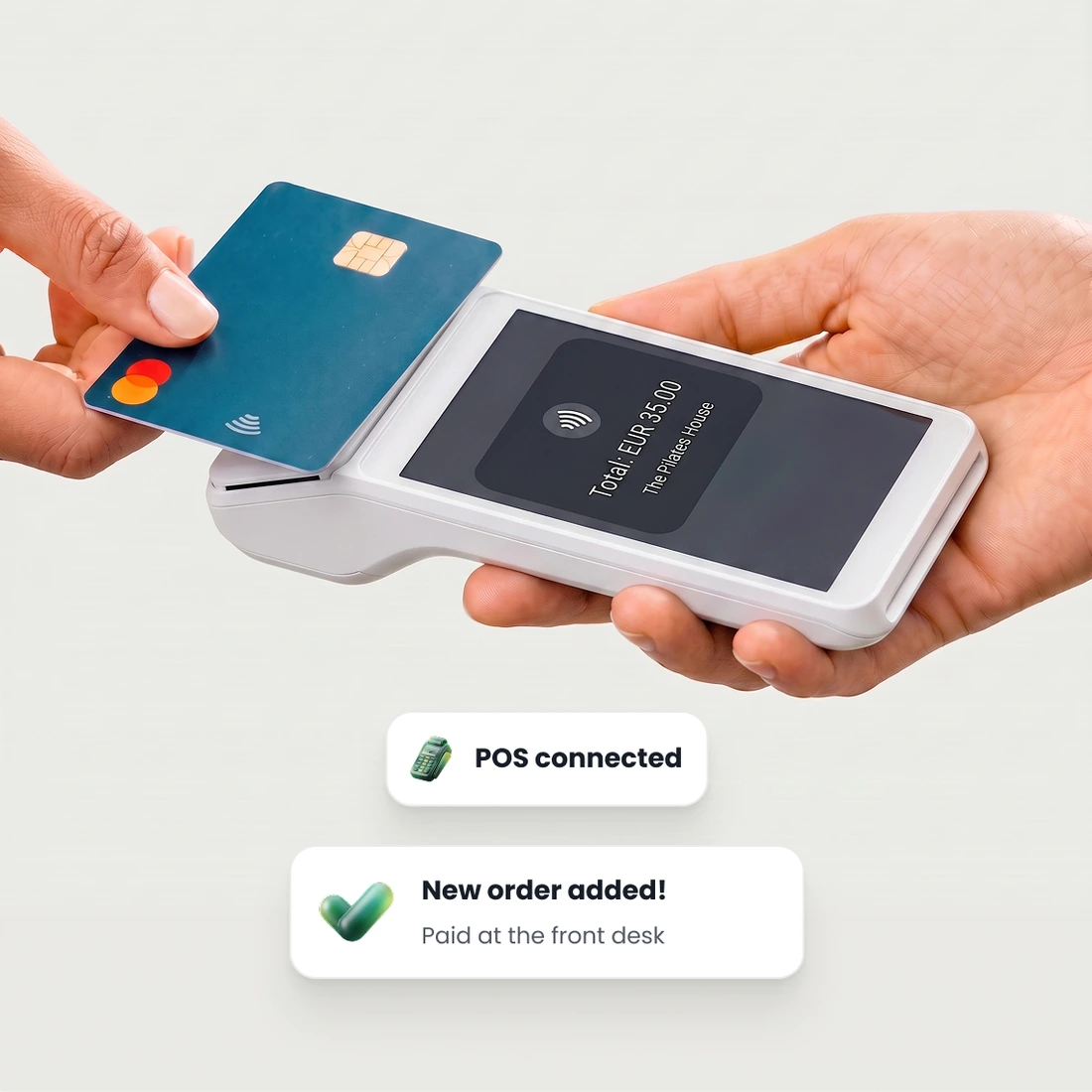
Take payments without a card reader
Use Tap to Pay on your phone to take card payments. Record cash and bank transfers in the same place.
Tap to Pay. Take contactless card payments on your iPhone or Android phone.
Cash and bank transfers. Mark the booking as paid, and TimiTomi confirms the spot at once.
Nothing else to connect. The desk uses the same Stripe account as your online payments.
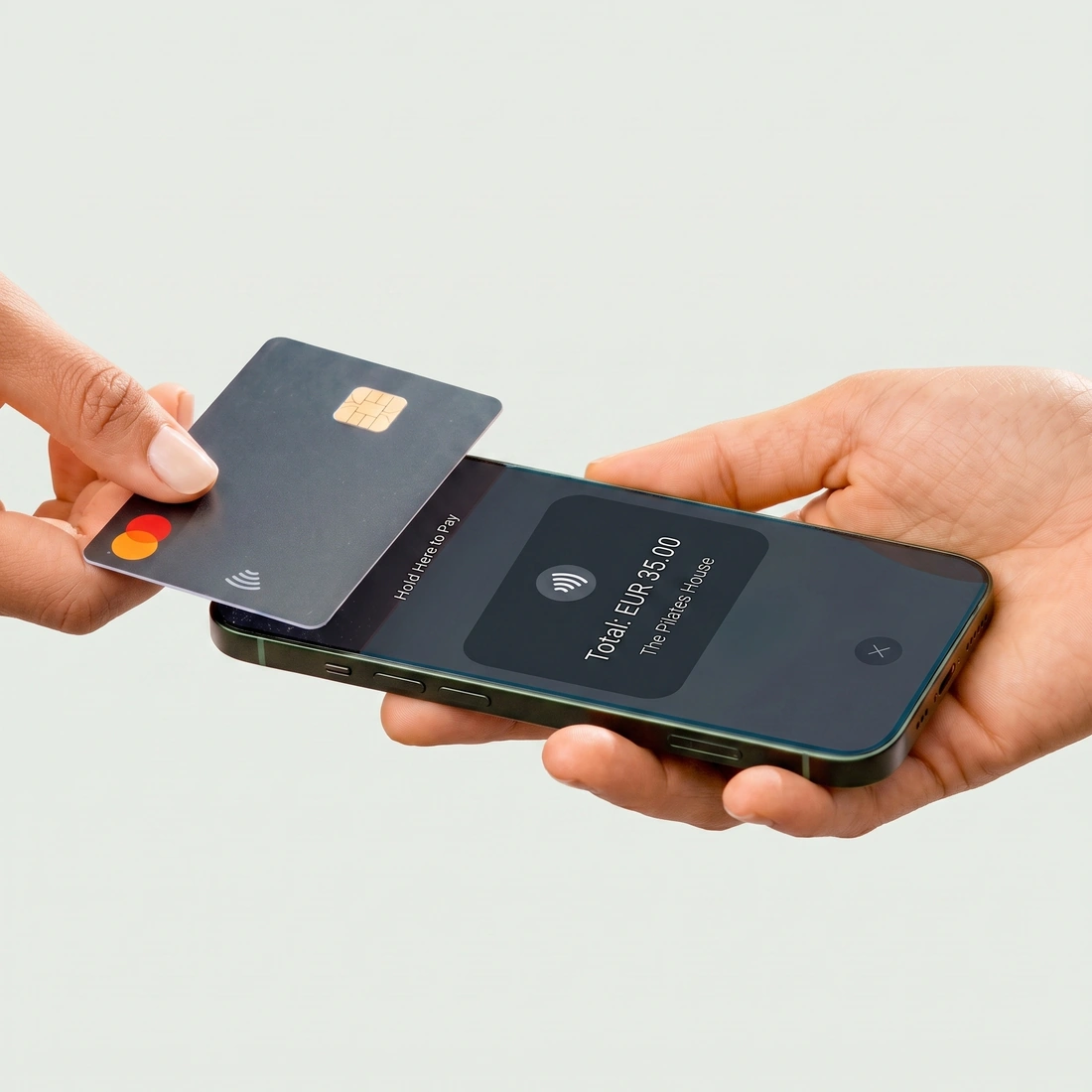
Getting started
How to get your Stripe card reader
- 1
Connect your account
Link the same Stripe account you use for online payments. No new merchant accounts or sign-ups required.
- 2
Order the hardware
Purchase your reader from the Readers tab in your Stripe dashboard, selecting your studio address at checkout.
- 3
Power on and connect
Your reader arrives pre-configured to your account. Connect it to your WiFi, and it instantly syncs with TimiTomi, ready to take payments.
Pick a plan, and that is what you pay
Your price does not change when you sell more. Plans differ in how many instructors they include and in what they can do.
- 0% transaction fee
- No long-term contracts

Starter
The basics, with add-ons as you grow.
 5 instructors
 SMS as an add-on
 Add-ons from €15/mo
 Dedicated onboarding specialist
 24/7 dedicated support

Studio
Every add-on, with SMS included.
- 15 instructors
- 500 SMS a month
- Every add-on included
- Dedicated onboarding specialist
- 24/7 dedicated support

Scale
The most instructors and SMS included.
- 30 instructors
- 1,200 SMS a month
- Every add-on included
- Dedicated onboarding specialist
- 24/7 dedicated support
Ready when you are
Build it this week. Pay when you open.
Set up your classes, your prices and your booking page for free. You pay only when you go live.
Get started for free- Free until you go live
- 0% of what you sell









Questions about in-person payments
Keep reading
The rest of the product
Your booking page
With your logo and colors
Drop-in classes
Book and pay in a few taps
Class packs
Sell sets of credits
Memberships
Sell custom subscriptions
Class scheduling
A weekly timetable that repeats
Instructor portal
Schedules and pay in one place
Email and SMS
Automated messaging
Waiting list
Empty spots go to people waiting
Found on Google and AI
Your classes in Google and AI search