

Barre
Software for a barre studio sold by the month
A barre studio sells the month more than it sells the class. People come twice a week, pay on the same day every month, and want a price that matches what they actually use. TimiTomi puts a limit on a plan, counts the classes against it, and moves somebody up when they ask.
A plan with a limit, and a way up
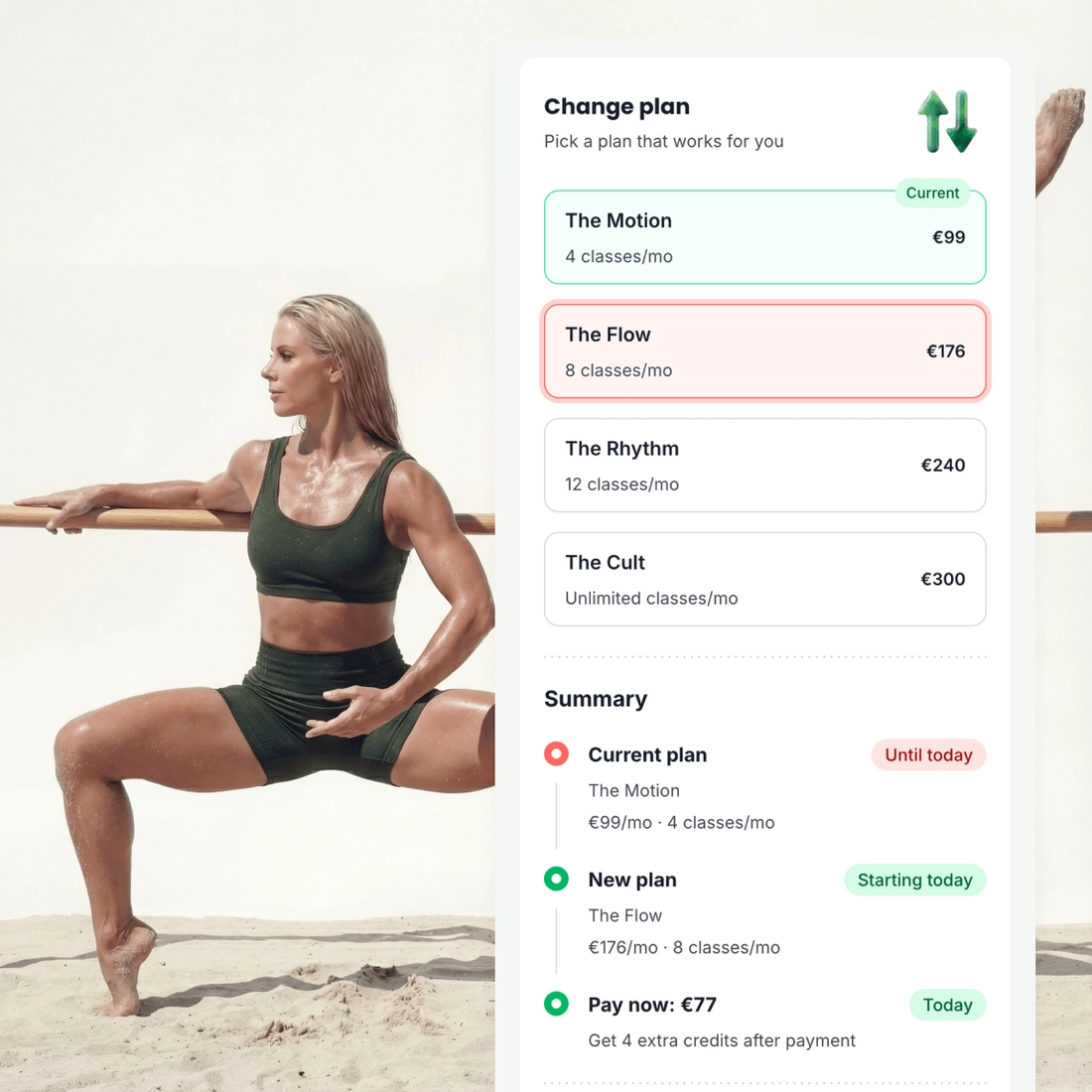
Unlimited is the easy plan to sell and the wrong one for most barre customers. They come twice a week, and a price built for five is a price they read as too much. Somebody who outgrows the small plan moves up without cancelling anything.
How many classes it covers. Two a week, four a month, or no limit at all.
A bigger plan when they want one. The change happens on the plan they already hold.
A class not used. It rolls over, resets, or stays as it is. You choose.
Nobody has to count the classes
A limit only works if both sides can see where they are. On paper it is the studio that ends up counting, and the disagreement happens in the doorway with the class about to start.
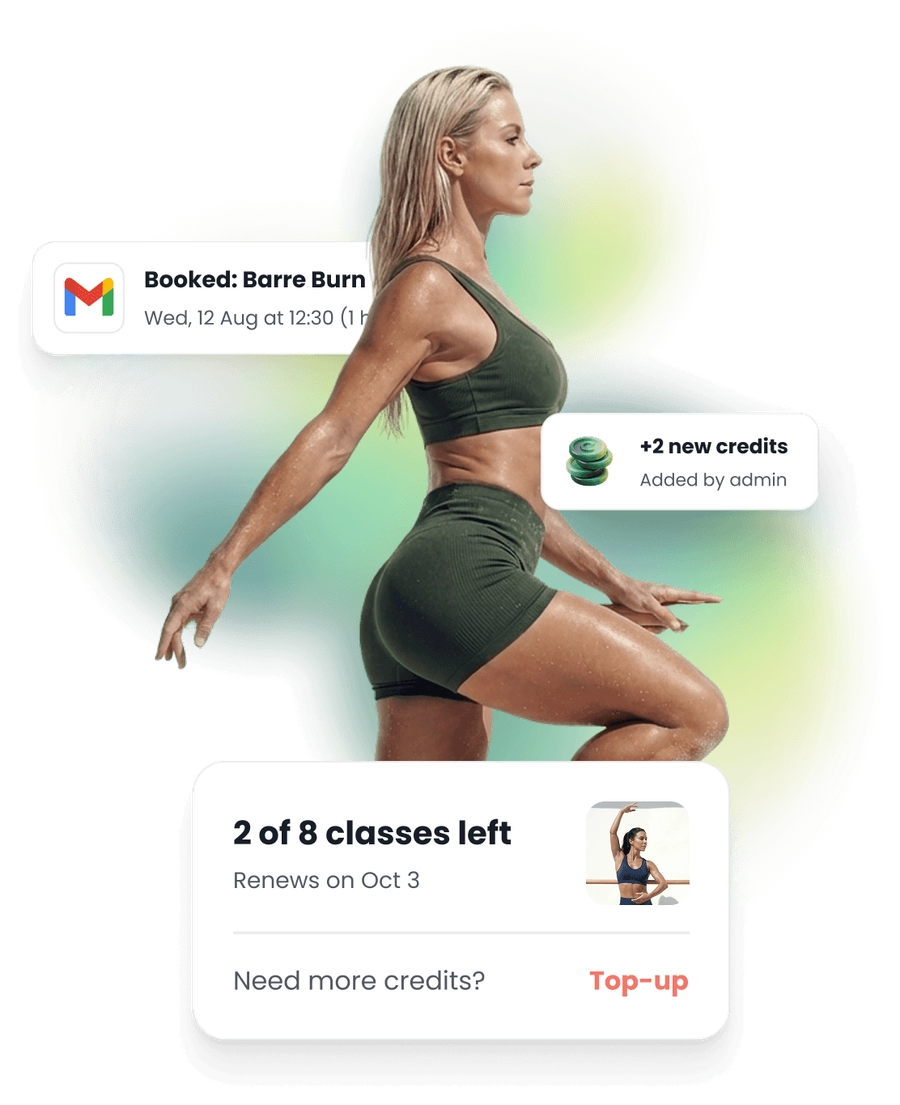
The count sits on their own page. What is left this month, and when it renews.
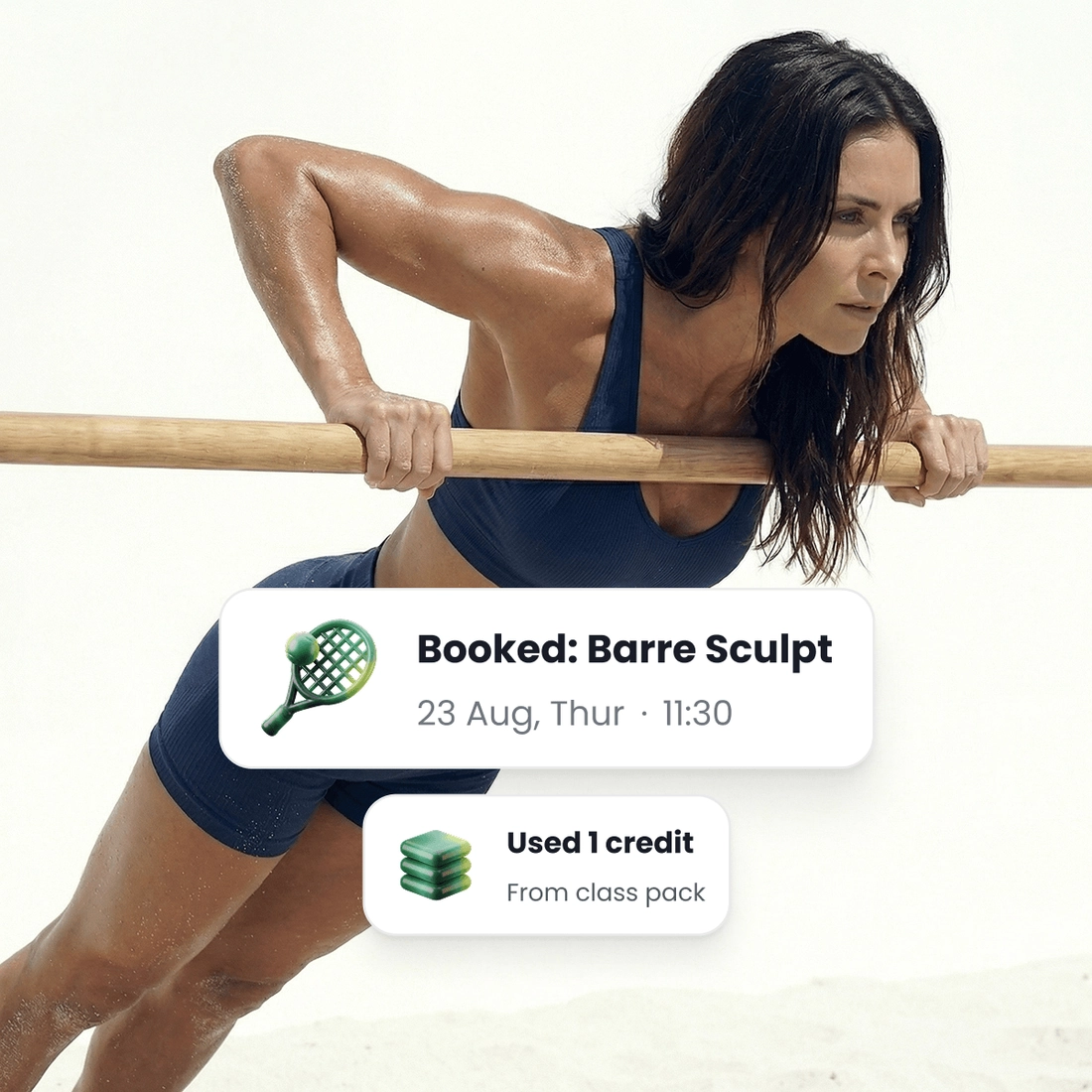
A booking takes one off it. Cancel in time and it goes back on.
A message before the last one. In the Studio and Scale plans, and as an add-on on Starter.
A plan does not hold a spot
A busy Saturday class is where a monthly plan gets tested. Everybody paying for the month believes the class is theirs, and the room holds what it holds.
A plan still books a spot. And a class never takes more than it holds.
A cancellation window you set. Inside it, the class goes back on their plan.
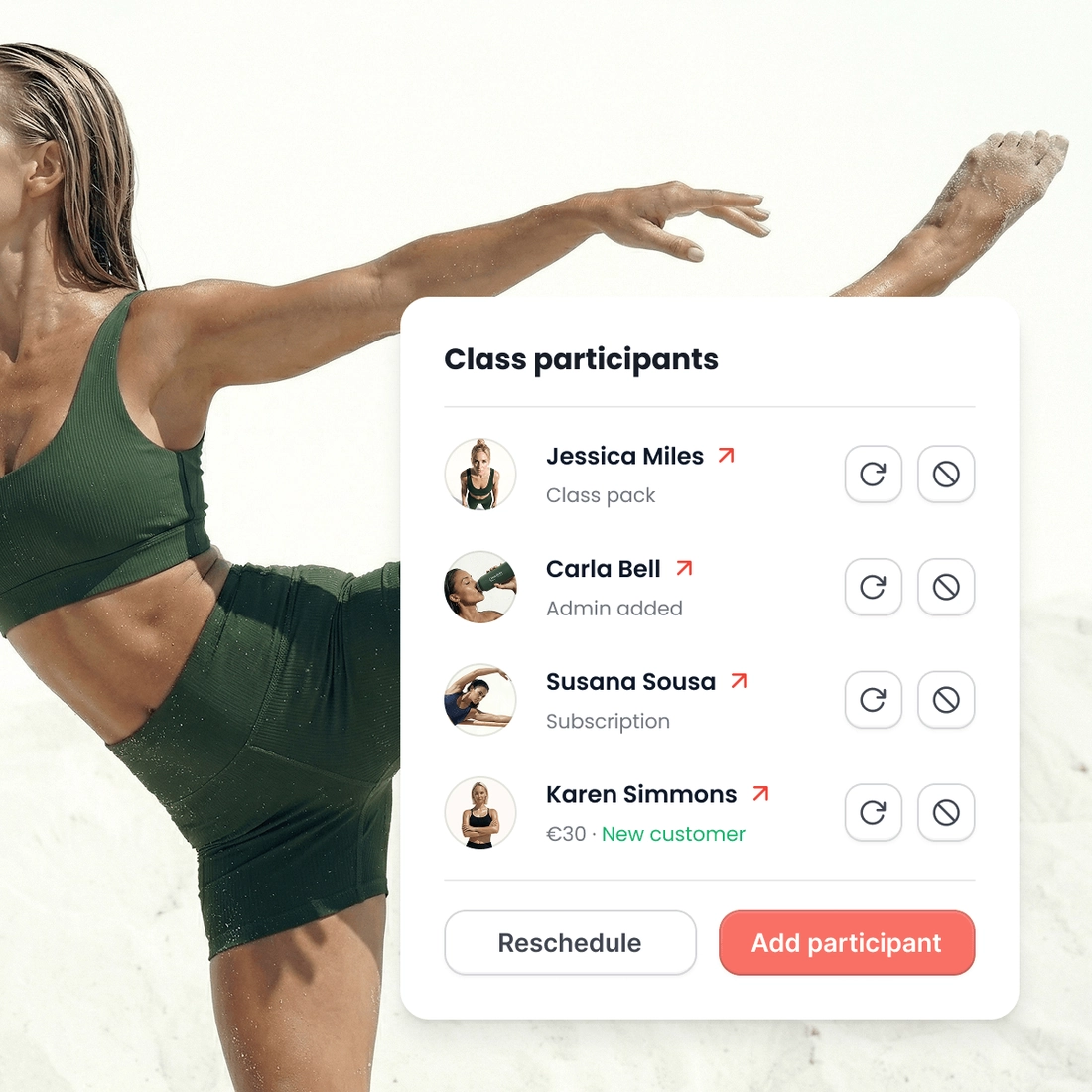
You see who is coming. The participant list for every class on the week.
Pick a plan, and that is what you pay
Your price does not change when you sell more. Plans differ in how many instructors they include and in what they can do.
- 0% transaction fee
- No long-term contracts

Starter
Ideal for small teams
 5 instructors
 SMS as an add-on
 Add-ons from €10/mo
 Dedicated onboarding specialist
 24/7 dedicated support
What’s included:
Booking and selling
- Your own booking page
- Class packs, memberships and top-ups
- Waitlists & substitutes
Payments
- Online and in person
Marketing & automations
- Email automations
Instructors
- Instructor logins and pay
Optional add-ons
 Smart emails that bring customers back and keep them engaged, plus newsletters and ad tracking. SMS is a separate add-on.€29 a month
- 200 SMS each month. When they are all used, SMS pauses and email still works.€20 a month
 Classes and packs for one customer or a small group€15 a month
 Sell gift cards for classes or an amount of money€10 a month
- You can add more instructors than the plan gives you. Each extra instructor has the same price every month, and there is no limit to how many you add.€15 a month
 Your booking page on a web address you already own€20, paid once

Studio
Ideal for growing studios
- 15 instructors
- 500 SMS a month
- Every add-on included
- Dedicated onboarding specialist
- 24/7 dedicated support
Everything in Starter, plus:
- Smart emails that bring customers back and keep them engaged, plus newsletters and ad tracking
- Classes and packs for one customer or a small group
- Sell gift cards for classes or an amount of money
- Your booking page on a web address you already own
Instructors
- Calendar sync for instructors

Scale
Big teams & several locations
- 30 instructors
- 1,000 SMS a month
- Every add-on included
- Dedicated onboarding specialist
- 24/7 dedicated support
Everything in Studio, plus:
Booking and selling
- Multiple locations
Around the timetable
A month away, without cancelling
A customer pauses their own plan and the billing stops the same moment. They start again when they are back.
A card that fails is tried again
The customer is told, and can put a new card in themselves. You do not have to notice it first.
A page for every customer
Everything about one customer on a page: how to reach them, your notes, the plan they are on, and every class they have booked.
The day at the desk
What is on today and what is on this week, with the class in progress marked and its list beside it.
Your terms, accepted at checkout
Written once and shown at checkout, with a record of who agreed to which version, and when. On every plan.
The page in your colors
Everything a customer sees is yours to set: the logo, the colors, the description, the links, and what stays hidden.
Ready when you are
Build it this week. Pay when you open.
Set up your classes, your prices and your booking page for free. You pay only when you go live.
- Get started for free
- 0% transaction fees









Questions from barre studios
The product
What your studio gets
Your booking page
With your logo and colors
Drop-in classes
Book and pay in a few taps
Class packs
Sell sets of credits
Memberships
Sell custom subscriptions
In-person payments
A card reader, or Tap to Pay
Class scheduling
A weekly timetable that repeats
Instructor portal
Schedules and pay in one place
Email and SMS
Automated messaging
Waiting list
Empty spots go to people waiting
Found on Google and AI
Your classes in Google and AI search
Gift cards
For classes or an amount of money