

Dance
Software for a dance studio with a teacher for every style
A dance studio teaches several styles in one week, often with a different teacher for each, and many of those teachers also perform. TimiTomi lets dancers find a class by its teacher. When you change a class for a teacher’s show, TimiTomi emails everybody booked.
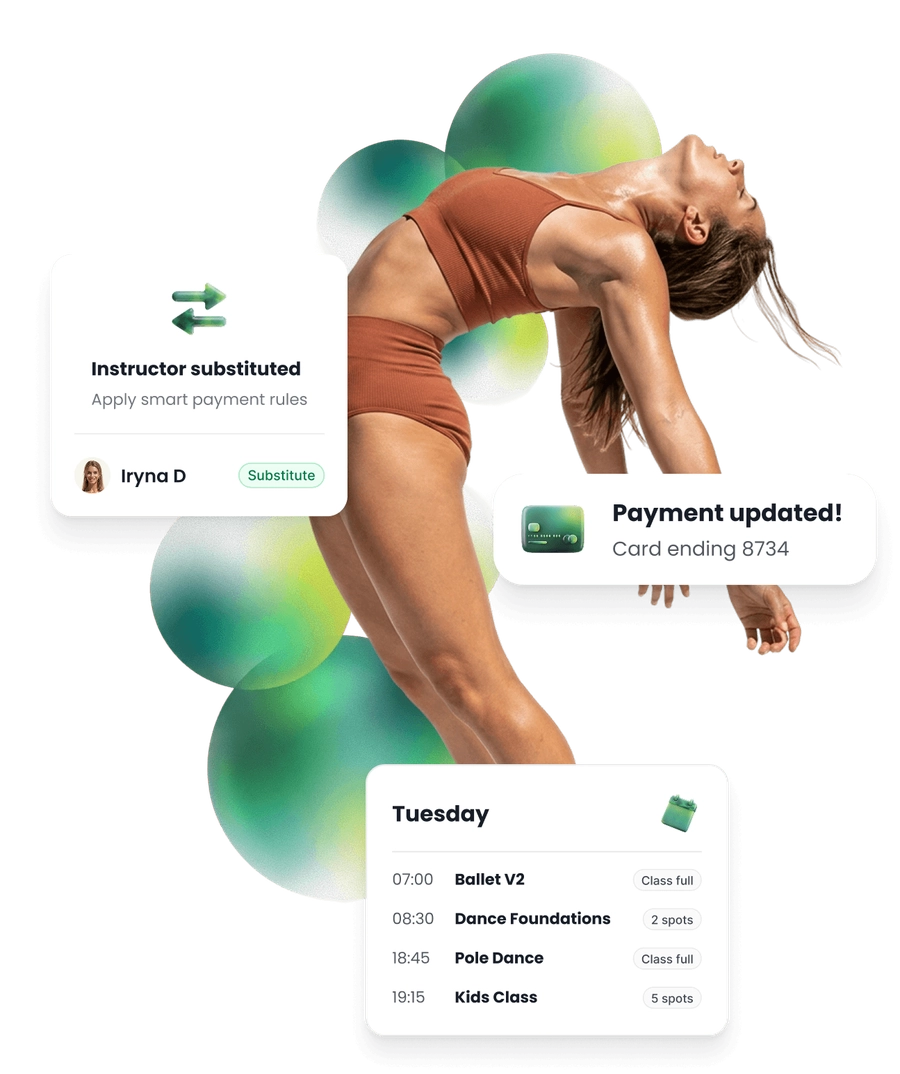
When a dancer is injured
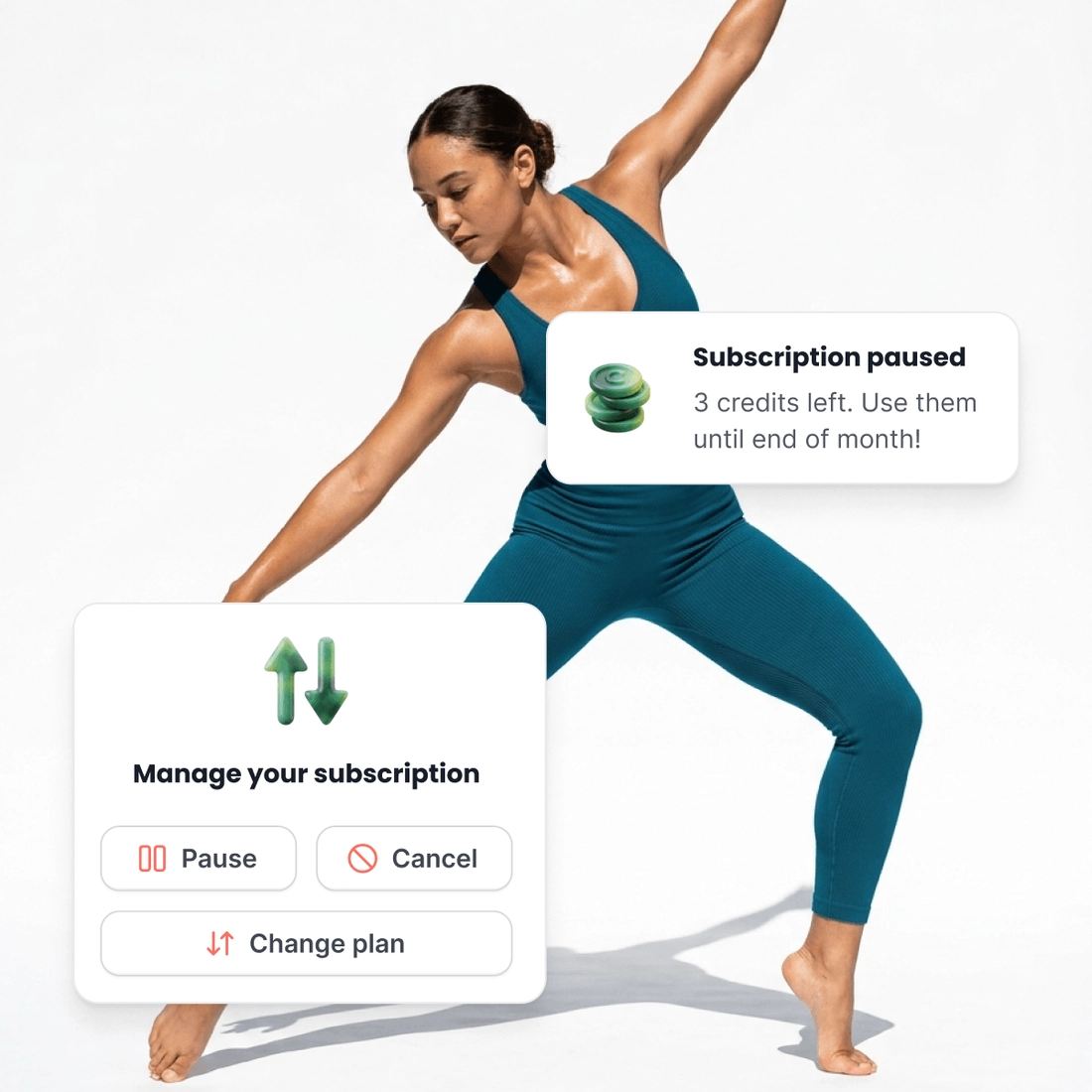
Dancers get injured. A sprained ankle can mean six weeks without a class, and the dancer should not have to cancel their plan to stop paying for those weeks.
They pause the plan themselves. They pay nothing more until they restart it.
The credits they paid for still work. Until the end of the month they paid for.
A smaller plan while they recover. Or a bigger one when they add a style.
When a teacher has a show
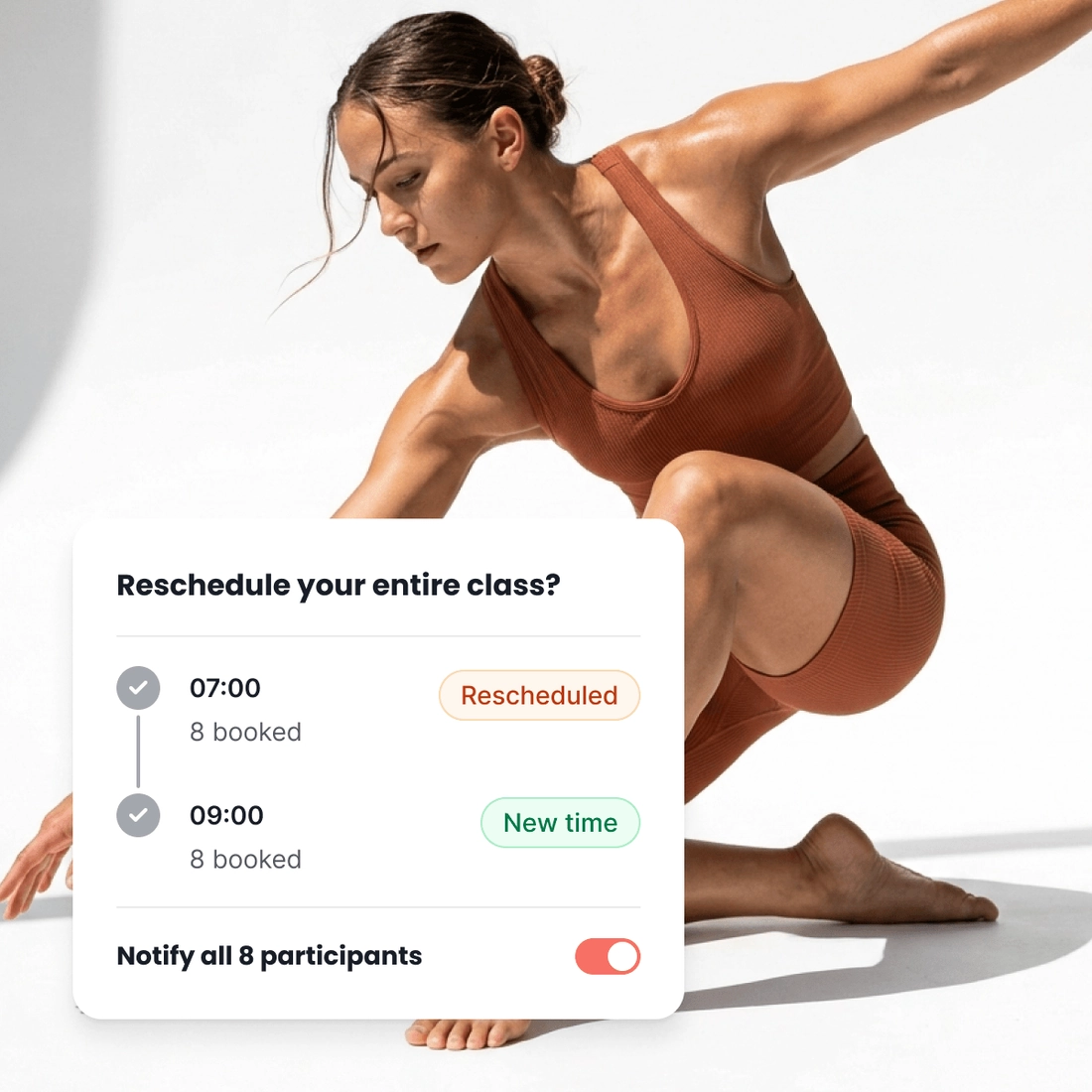
A teacher with a show on a class night cannot teach that class. Another teacher takes it, or the dancers move to another time, and everybody booked has to know before they leave home.
Give the class to another teacher. On that date only. Included in every plan.
Move everybody booked to another time. A time the same class runs. They stay booked.
TimiTomi emails everybody booked. When you make the change.
Dancers choose a teacher, not only a style
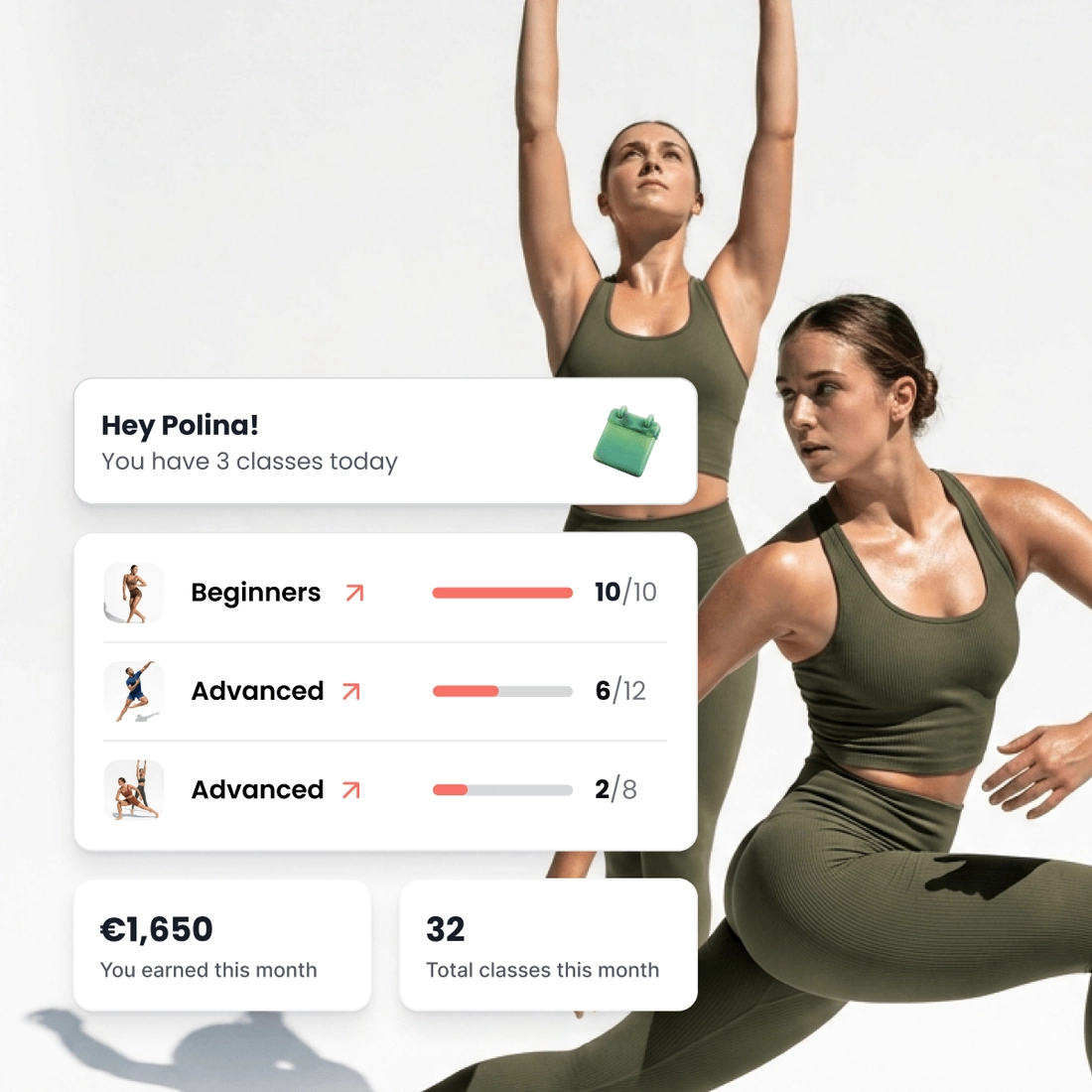
People follow a teacher from class to class. They want to see who teaches before they book, and every teacher wants to see how full their classes are.
Dancers filter by teacher or by class. On your booking page, before they book.
Each teacher sees their own day. How full each class is, in every plan.
TimiTomi calculates their pay. By the class or by the dancer, in every plan.
Pick a plan, and that is what you pay
Your price does not change when you sell more. Plans differ in how many instructors they include and in what they can do.
- 0% transaction fee
- No long-term contracts

Starter
Ideal for small teams
 5 instructors
 SMS as an add-on
 Add-ons from €10/mo
 Dedicated onboarding specialist
 24/7 dedicated support
What’s included:
Booking and selling
- Your own booking page
- Class packs, memberships and top-ups
- Waitlists & substitutes
Payments
- Online and in person
Marketing & automations
- Email automations
Instructors
- Instructor logins and pay
Optional add-ons
 Smart emails that bring customers back and keep them engaged, plus newsletters and ad tracking. SMS is a separate add-on.€29 a month
- 200 SMS each month. When they are all used, SMS pauses and email still works.€20 a month
 Classes and packs for one customer or a small group€15 a month
 Sell gift cards for classes or an amount of money€10 a month
- You can add more instructors than the plan gives you. Each extra instructor has the same price every month, and there is no limit to how many you add.€15 a month
 Your booking page on a web address you already own€20, paid once

Studio
Ideal for growing studios
- 15 instructors
- 500 SMS a month
- Every add-on included
- Dedicated onboarding specialist
- 24/7 dedicated support
Everything in Starter, plus:
- Smart emails that bring customers back and keep them engaged, plus newsletters and ad tracking
- Classes and packs for one customer or a small group
- Sell gift cards for classes or an amount of money
- Your booking page on a web address you already own
Instructors
- Calendar sync for instructors

Scale
Big teams & several locations
- 30 instructors
- 1,000 SMS a month
- Every add-on included
- Dedicated onboarding specialist
- 24/7 dedicated support
Everything in Studio, plus:
Booking and selling
- Multiple locations
Around the dance floor
Every class says who it is for
Each class carries a photo and a description, so a new dancer can read the level and what to wear before they book.
Rehearsals for the show group
Keep the class off your public page, and add the dancers who are in the show yourself.
Terms for the pole classes
Attach your terms to the whole studio, or only to the classes that need them, like pole. You keep a record of who accepted which version, and when. On every plan.
A code for a friend
Money off, as a percentage or a set amount, in a code your dancers can give to a friend.
Classes in the dancer’s calendar
Dancers get a calendar file with every booking. Teachers connect Google or Outlook in the Studio and Scale plans.
Who came to each class
Every class keeps its list, so you can see who came and who did not.
Ready when you are
Build it this week. Pay when you open.
Set up your classes, your prices and your booking page for free. You pay only when you go live.
- Get started for free
- 0% transaction fees









Questions from dance studios
The product
What your studio gets
Your booking page
With your logo and colors
Drop-in classes
Book and pay in a few taps
Class packs
Sell sets of credits
Memberships
Sell custom subscriptions
In-person payments
A card reader, or Tap to Pay
Class scheduling
A weekly timetable that repeats
Instructor portal
Schedules and pay in one place
Email and SMS
Automated messaging
Waiting list
Empty spots go to people waiting
Found on Google and AI
Your classes in Google and AI search
Gift cards
For classes or an amount of money