How much should a studio spend on Instagram ads?
Eugen Esanu, Founder of TimiTomi7 min read
The short answer
Start with $10 to $15 a day on one short video of your classes and your intro offer. That is enough to learn which ad brings customers, but not enough to fill a studio. Send people straight to the page where they can buy, and judge every ad by the customers who stay, not by clicks or likes.
Learn to bring your own customers
Studio owners ask the same question online again and again: do class apps and marketplaces bring you customers? They help, but less than most owners hope. Many studios join one, and then wait for it to fill their classes.
The skill that lasts is to advertise your studio yourself. It is easier than it sounds. You need one short video, one offer for new customers and a small amount of money every day.
Start with $10 to $15 a day
You do not need more to start. At $10 to $15 a day, your ad is shown about 2,000 times a day to people near your studio, and in a week you can see whether anyone buys.
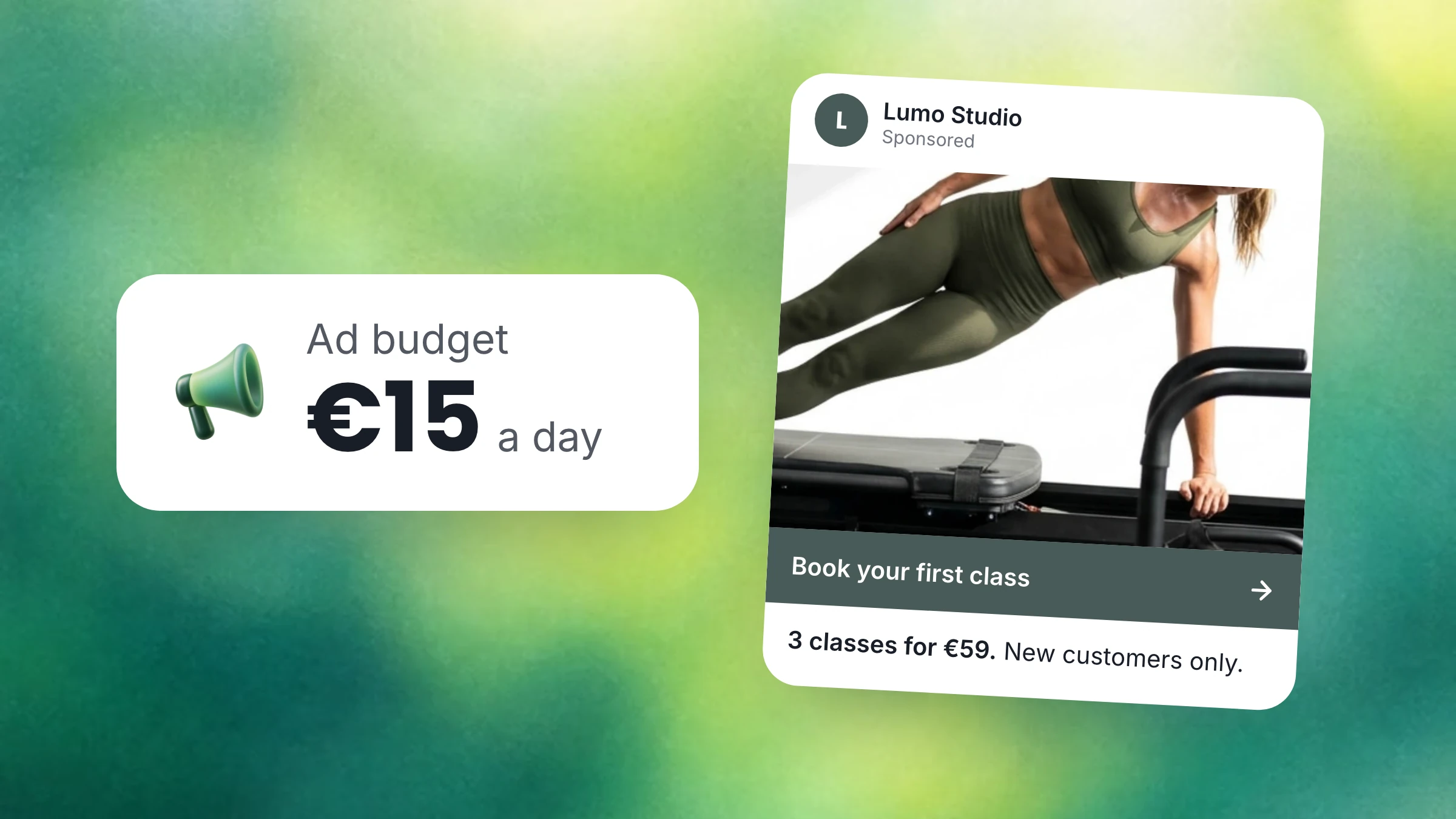
At our studio, we started with about €15 a day on one video for our intro offer. Today we spend about €45 a day on a few ads, because the numbers below show the ads bring in more than they cost.
Run one ad for at least a week before you change it. Meta needs a few days to learn who buys. Each big change makes it start to learn again.
What €15 a day brings us
These are our own numbers from September and October 2026. A click to our booking page cost about €0.68. Meta linked one first purchase to about every €125 we spent. Most of those people bought our intro offer, 3 classes for €59.
€15 a day for a month
- €450spent on one ad
- About 660clicks to your booking page
- 3 or 4buy your intro offer
- About 2stay as members
€15 a day will not fill your studio in a month. It shows you which ad works, so you know where to put more money.
Meta also does not see every sale. Some people see your ad and come back weeks later, or walk in and pay at the desk. Meta cannot link those sales to the ad, so the real number is a little better than the one you see. Plan with the one you see.
Judge an ad by the customers who stay
€125 in ads for one intro of €59 looks like a loss. It is a loss, if you stop counting at the intro.
About half of our intro customers buy a pack or a membership after the intro. So to win one member, we sell two intros, and the ads cost us about €250.
The money comes back quickly. The two intros bring in €118. Our most popular membership is €99 a month. After two months, the intros and the new member have brought in €316, more than the €250 the ads cost. Every month the member stays after that is money the ad brought you.
This is money in, not profit. Your rent and your instructors still come out of it. But when a new member takes a spot that was empty, teaching that class costs you almost nothing more.
So do not judge an ad by its clicks, likes or views. Judge it by the people who buy, and then by the people who stay.
Cheap clicks are not customers
In our own account, ads shown inside other apps brought more than 260 clicks for €0.03 each, and not one sale. People tap ads in games and apps by mistake all day.
Instagram took 86% of our money and brought every sale that Meta could link to an ad. Clicks on Facebook were cheaper, but in those weeks they brought no sale at all.
- Choose Sales as the goal of your campaign. Then Meta looks for people who buy, not for people who click.
- Choose where your ad appears. Start with Instagram only: the feed, Stories and Reels. Add other places later, and keep them only if they bring sales.
- Show the ad to people near you. Choose the area around your studio where your customers live or work.
- Exclude the people who already buy. Upload your customer list, or use the people who booked with you in the last months, and exclude them. Your members cannot buy the intro, so an ad shown to them is money lost.
Show your classes and your offer
Shoot one short video with your phone. Show a real class with real people, and put your offer and its price on the screen. You do not need a film crew or a big budget.
Say what is different about your studio. Our best ad was a short video of a class with one line on it: “Max 6 people in class.” At its best, it brought in €2.53 for every €1 it cost. An ad that said our instructors know your name also did well. An ad about one type of class alone did worse.
- 15 to 20 seconds. Show the class in the very first second, while people are still looking.
- One reason to choose you. Small classes, an instructor who knows your name, a time of day nobody else near you offers.
- One offer with its price. People decide faster when they see what it costs.
- One next step. “Book your first class” is better than a list of everything you sell.
Make two or three versions, and let them run side by side. After a week, keep the one that sells and make a new one to beat it.
Send people straight to the page where they buy
Every extra page between the ad and the payment loses people. Link the ad to your intro offer itself, where people can pay in a few taps on their phone.
We learned this the hard way. Our ads went to a page on our website, and its button opened our booking page on another domain. That jump lost the part of the link that tells Meta which ad a customer came from. Meta linked fewer sales to our ads than really came from them, and it could not learn who buys.
If your ad goes to your website first, make its button open your offer directly. Then buy something yourself from the ad, and check that the sale appears in Ads Manager.
In TimiTomi, your intro offer has its own page, so the ad opens it directly. Your Meta Pixel follows the customer all the way through checkout, so every sale counts for the ad that brought it.
When this is not right for you
- You have no offer for new customers. An ad needs one thing to buy. Create your intro offer first.
- Your classes are full most of the week. An ad brings people to classes they cannot book. Add classes or raise your prices first.
- Most of your customers are tourists. They leave before they can become members, so the ad never makes its money back. Make sure people find you on maps and in search instead.
- Buying on your booking page is slow. Most people see your ad on a phone. If paying takes more than a minute, you pay for clicks that never become sales.
Your ads and your booking page in TimiTomi
An ad is only as good as the page it opens. TimiTomi gives your ads a booking page that sells, and then keeps selling to every customer the ad brings in.
- A page made for the phone. Your ad opens your intro offer, and a new customer pays in a few taps with Apple Pay, Google Pay or a card.
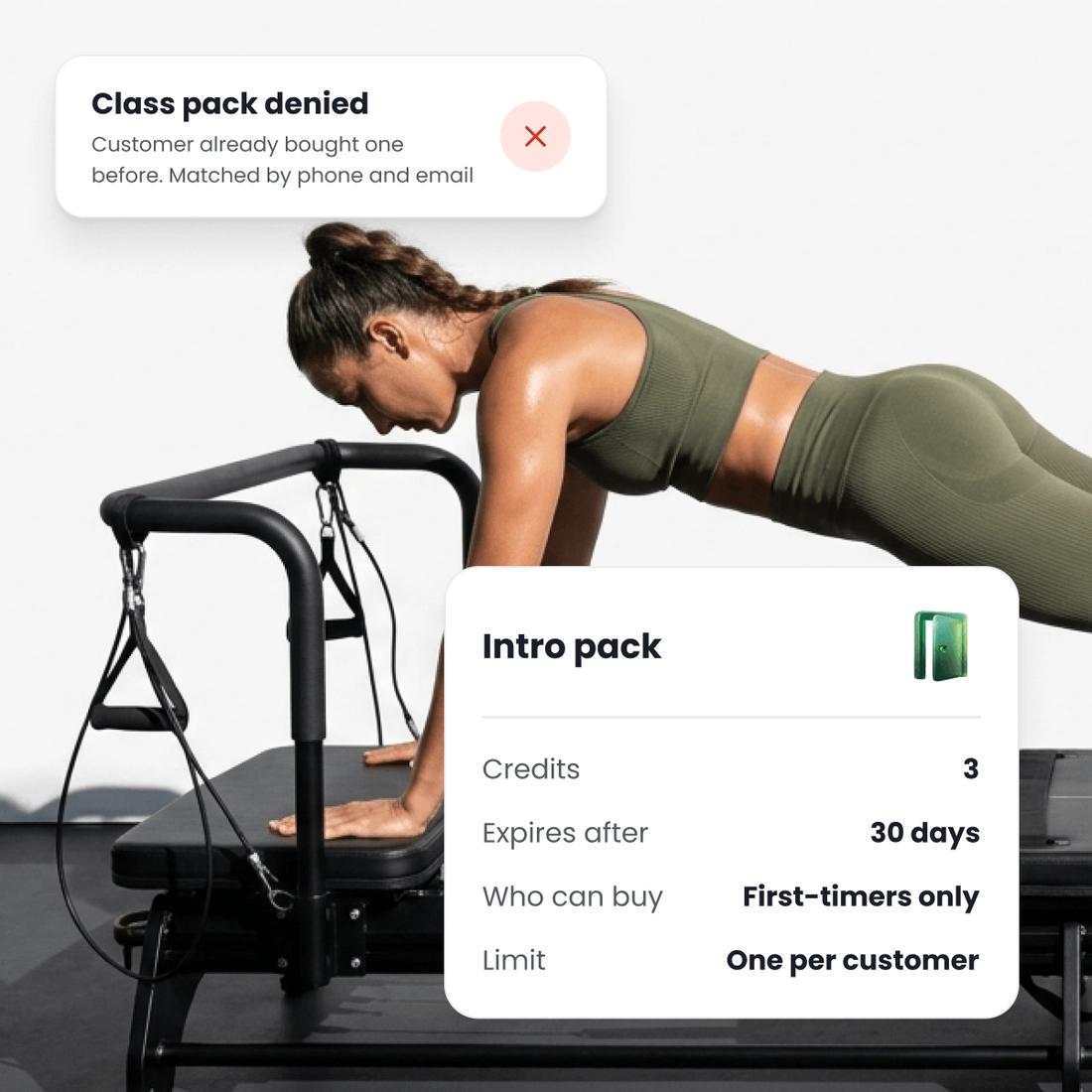
- An intro offer only new customers can buy. Sell it once per customer, so your members never buy the intro price again. A second try with the same email or phone number is turned away.
- Every sale sent to Meta. Add your Meta Pixel and Google Analytics. TimiTomi sends every booking and payment to your accounts, from the browser and from our server, so Meta sees the sales a browser alone would miss and learns who buys.
- A follow-up for every lost sale. When someone starts to pay and leaves before the end, TimiTomi writes to them. When someone makes an account and buys nothing, it writes again.
- From intro to member. When an intro customer has one class left, TimiTomi sends a reminder with a code for their first pack or membership.
Build your booking page and your intro offer for free. You pay only when you go live.